
Free printable August 2024 calendar templates that you can download as-is or customize online before you print. Instant download with no registration required.

Monthly Calendar
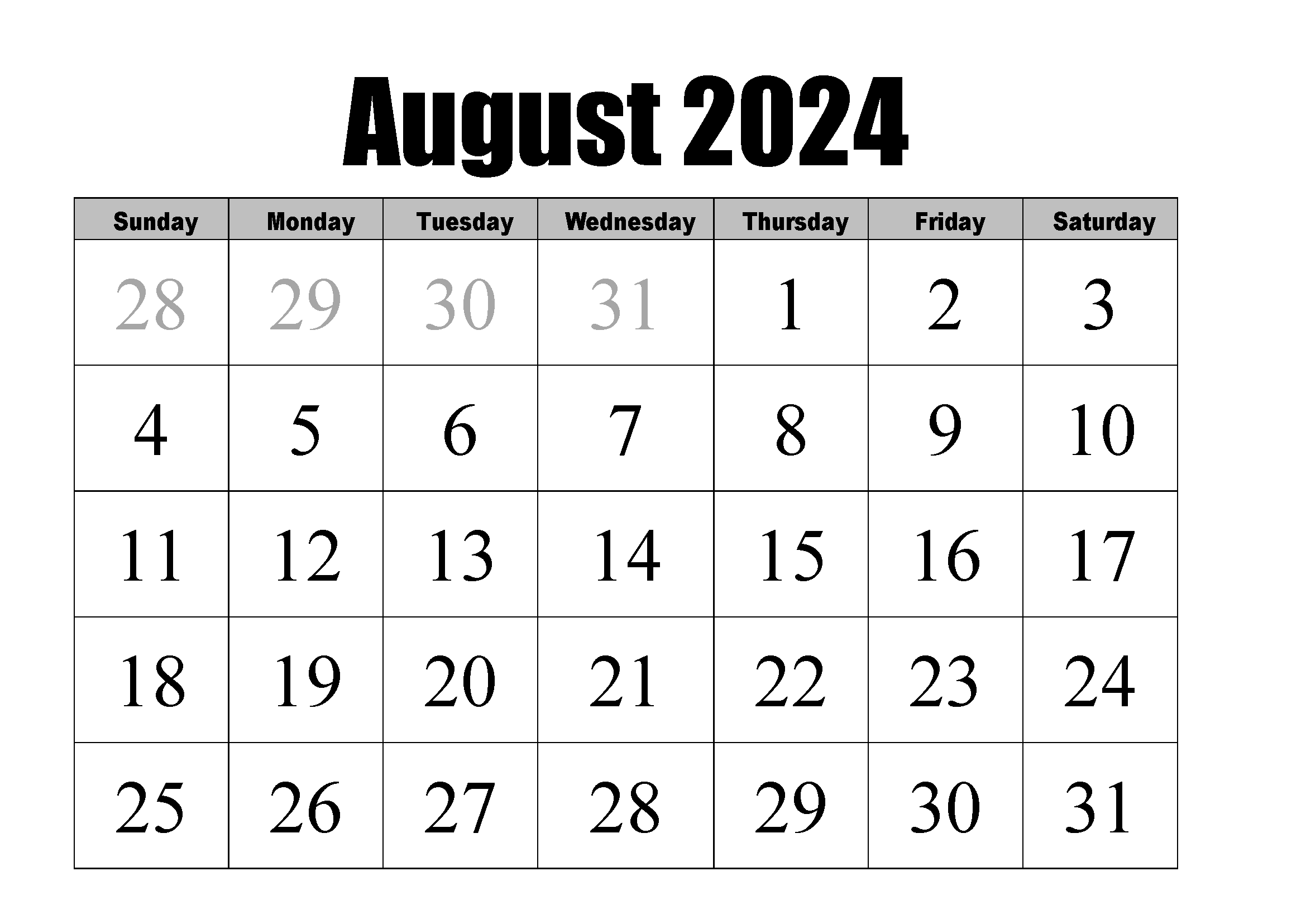


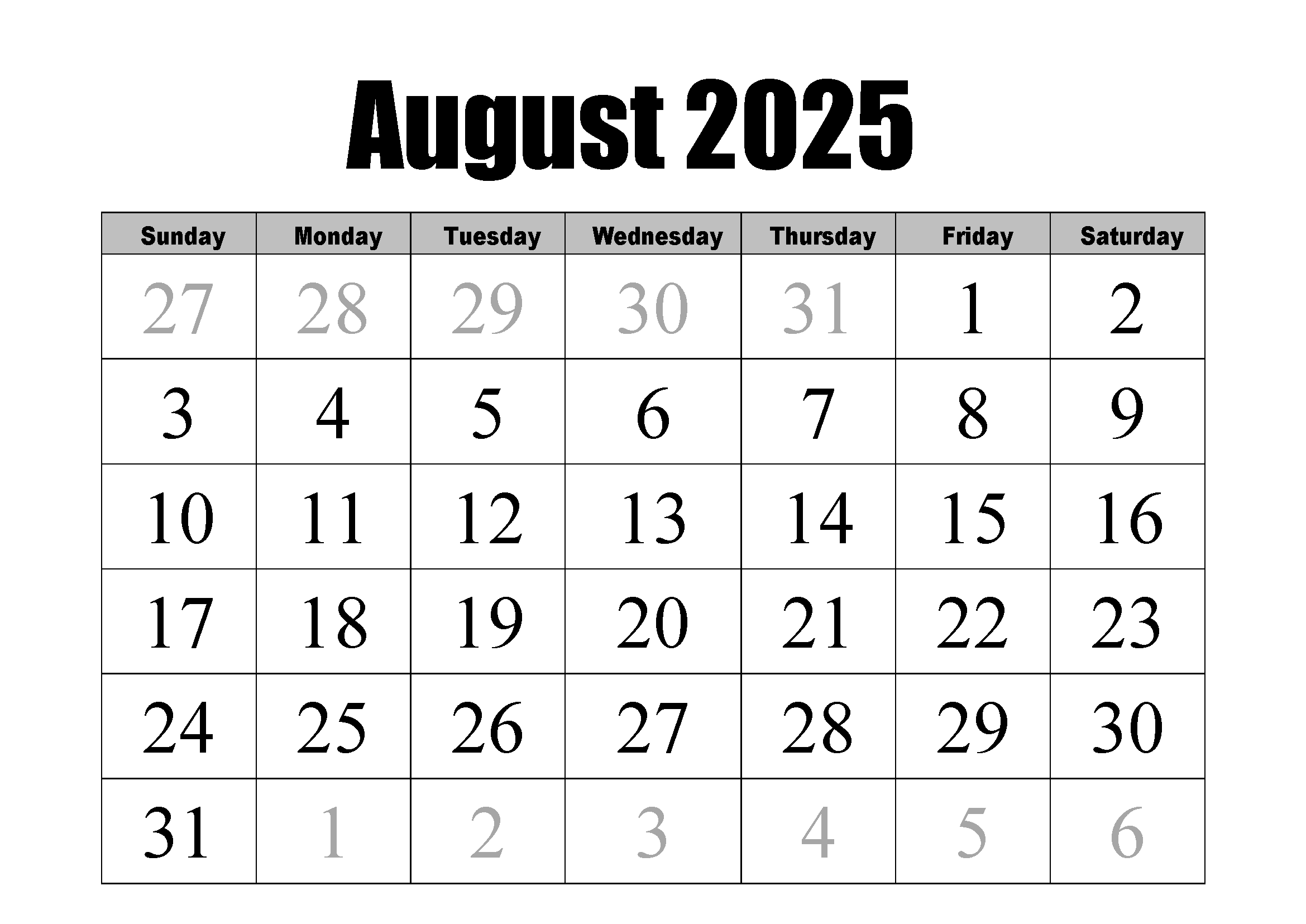
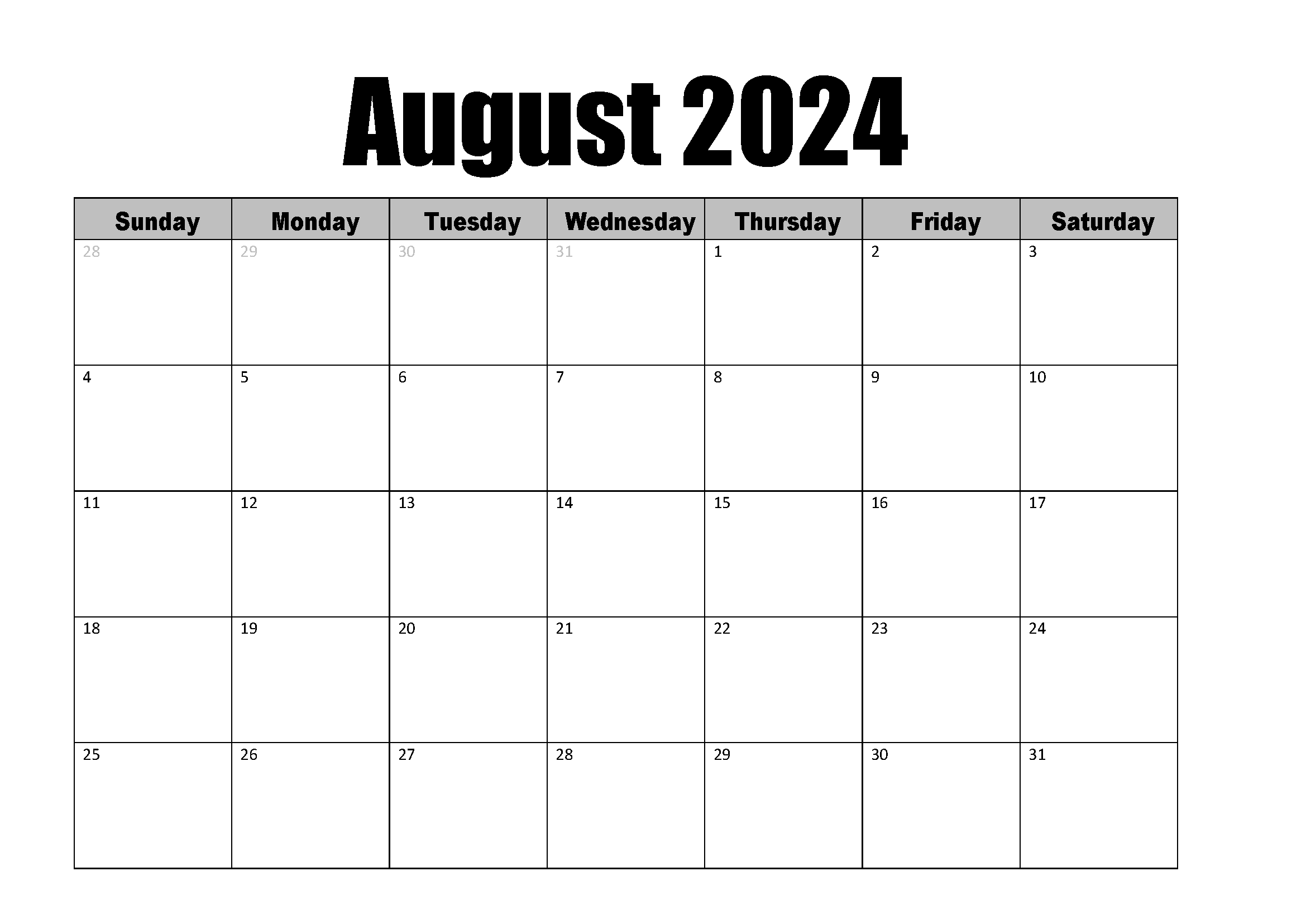
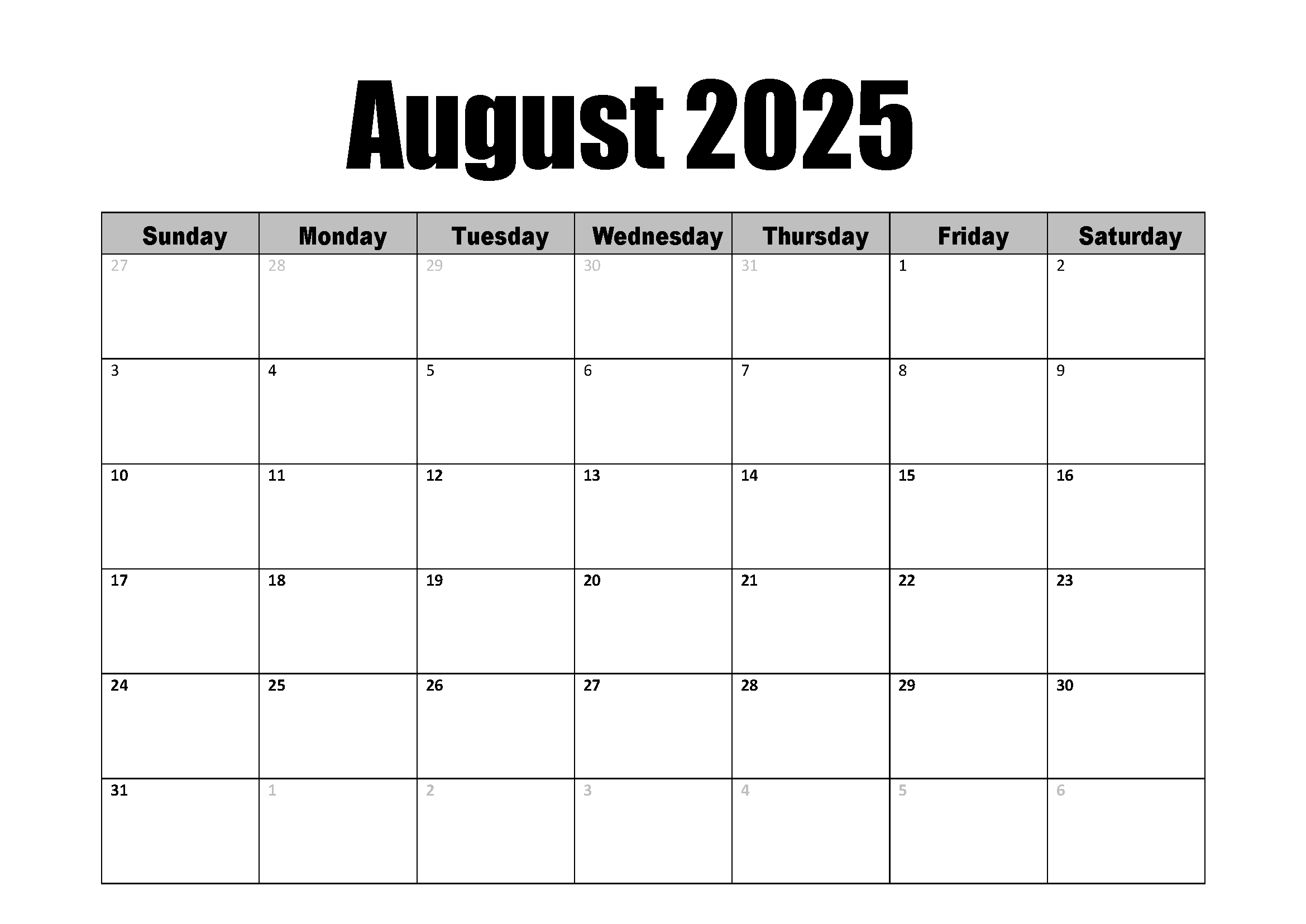


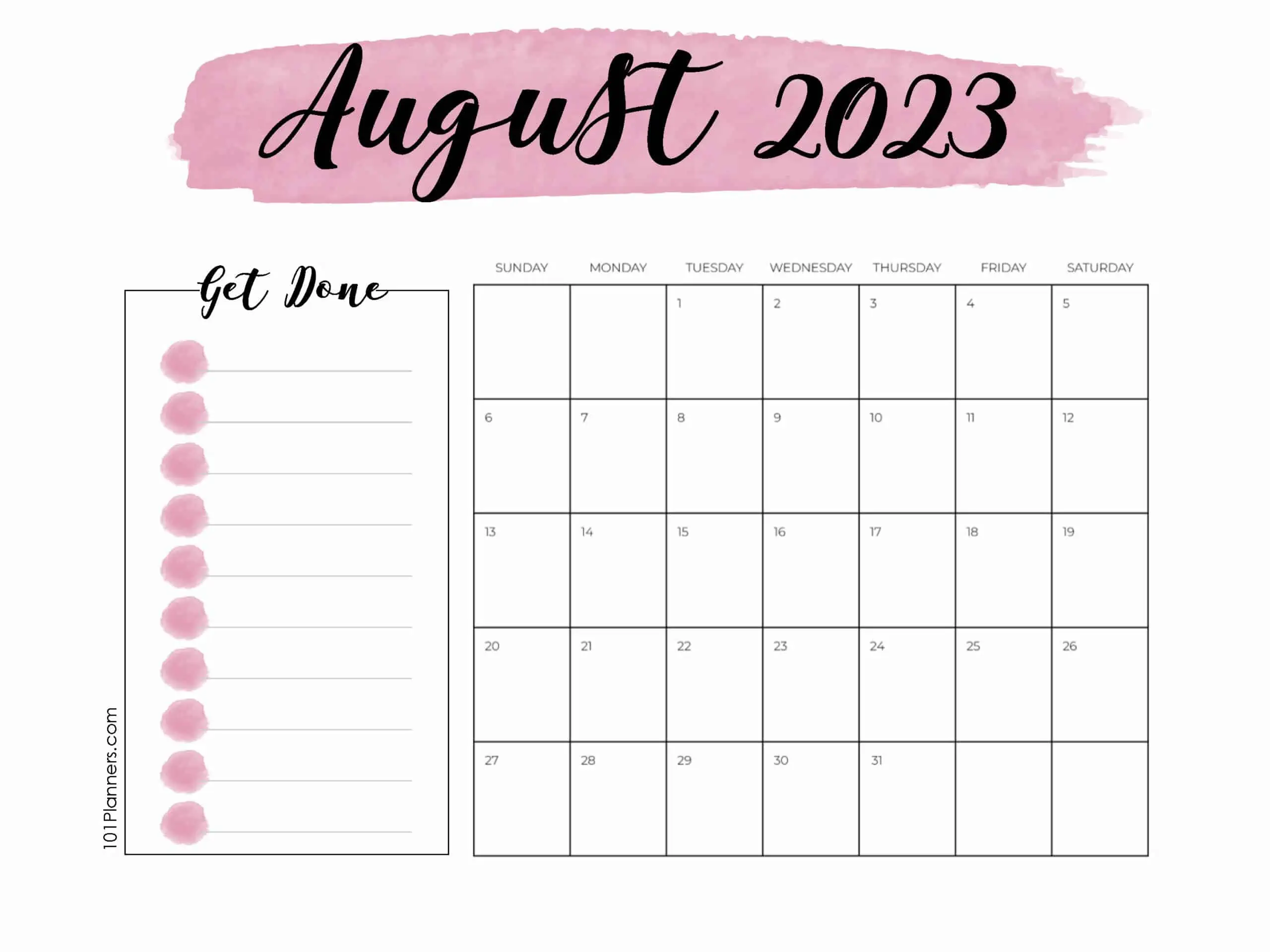
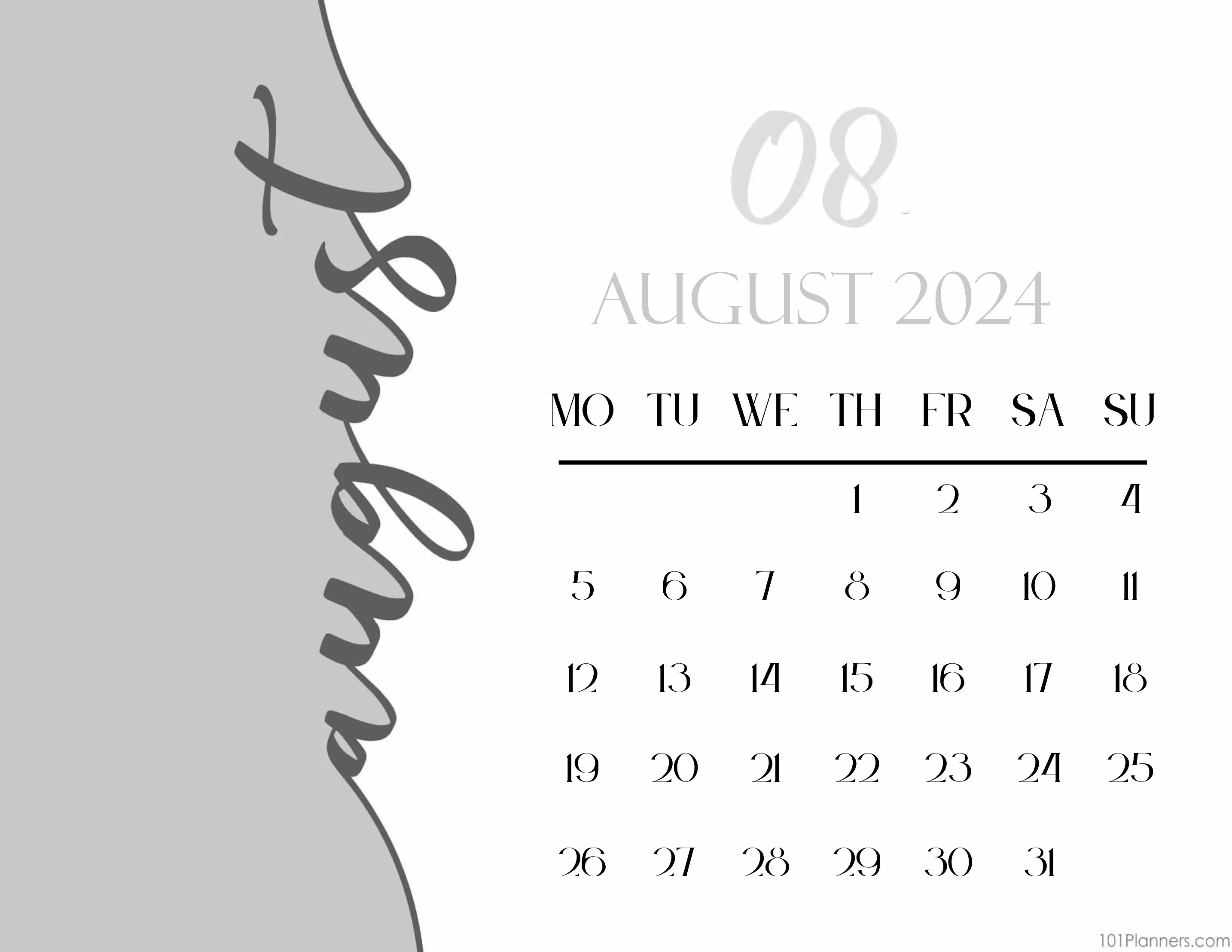
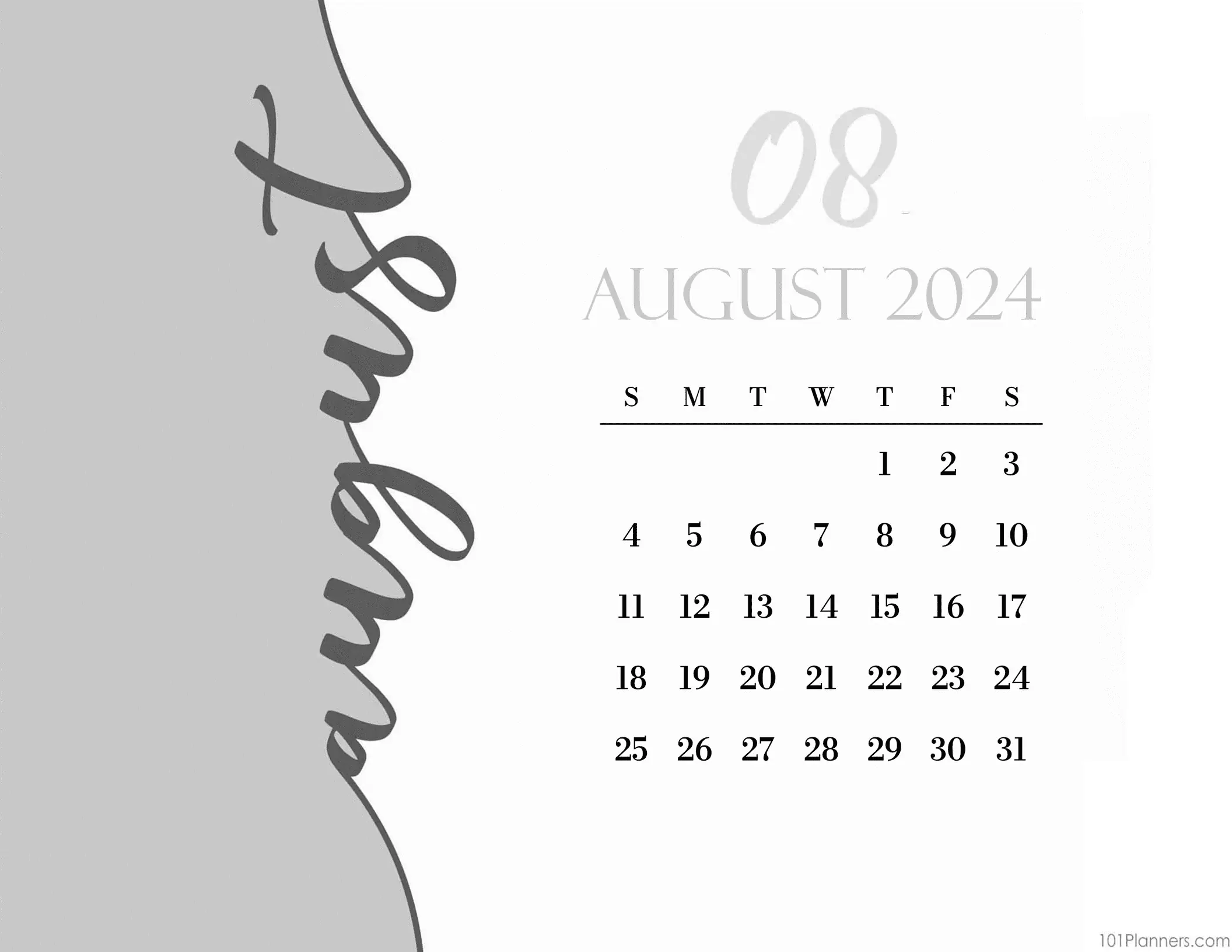
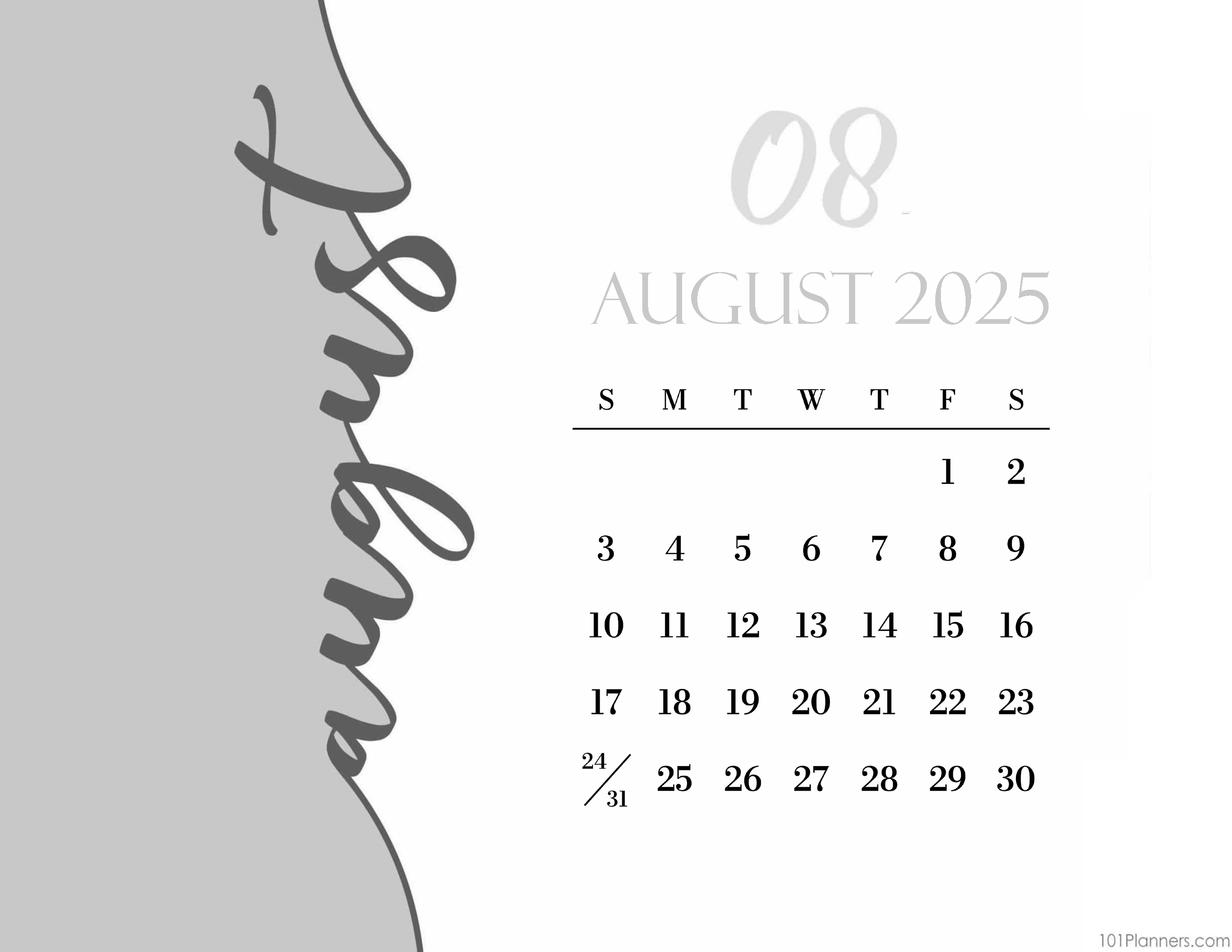
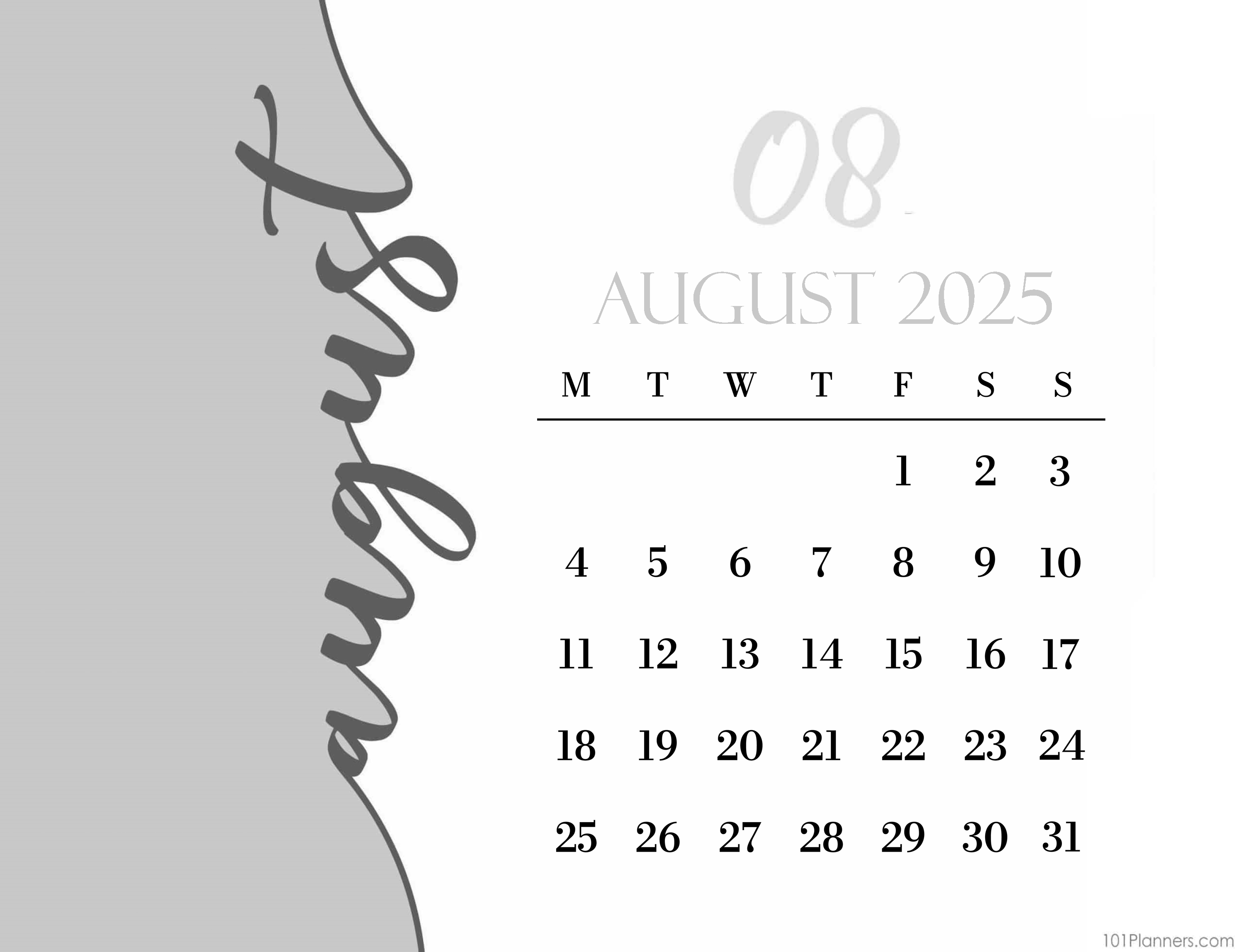
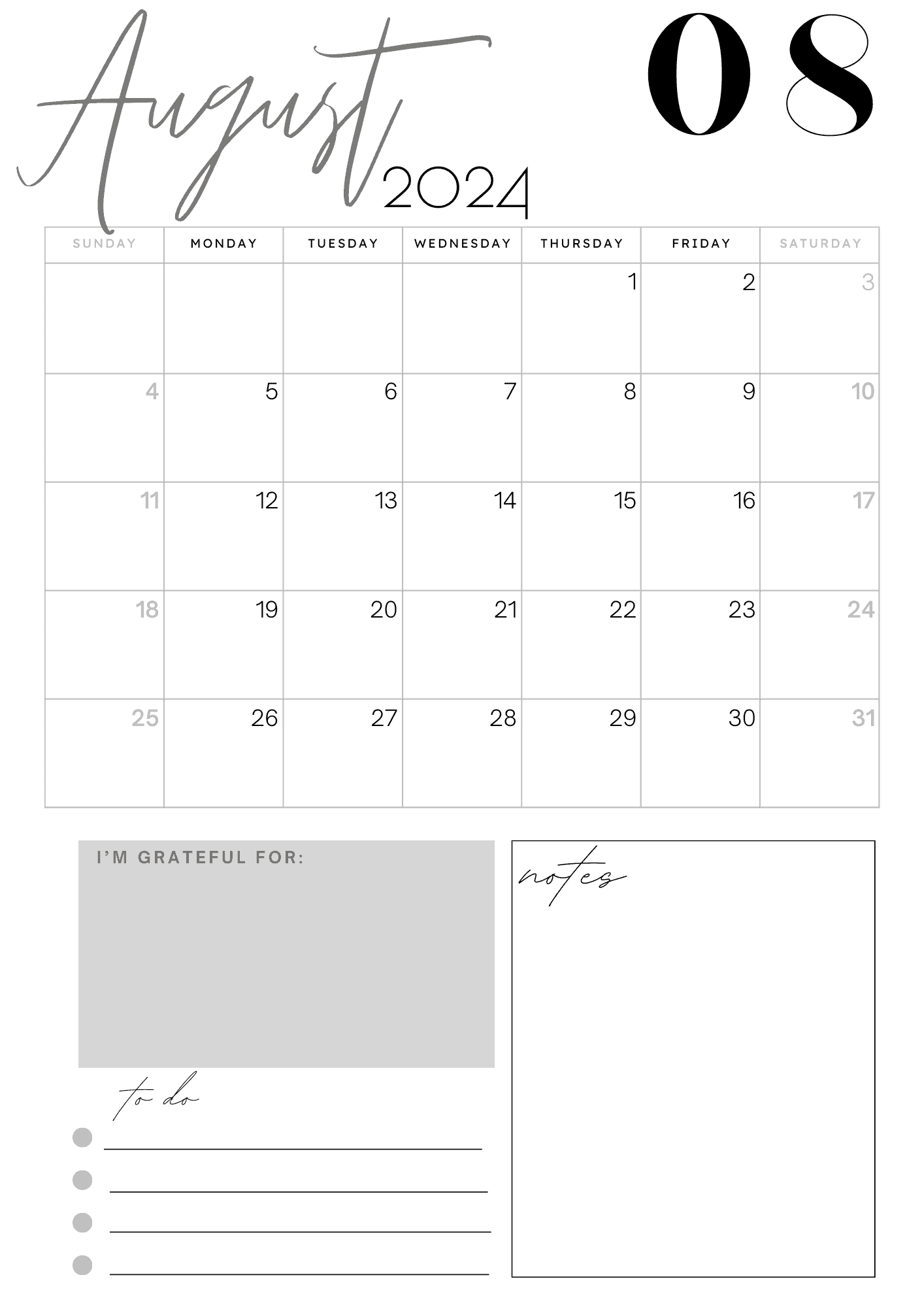
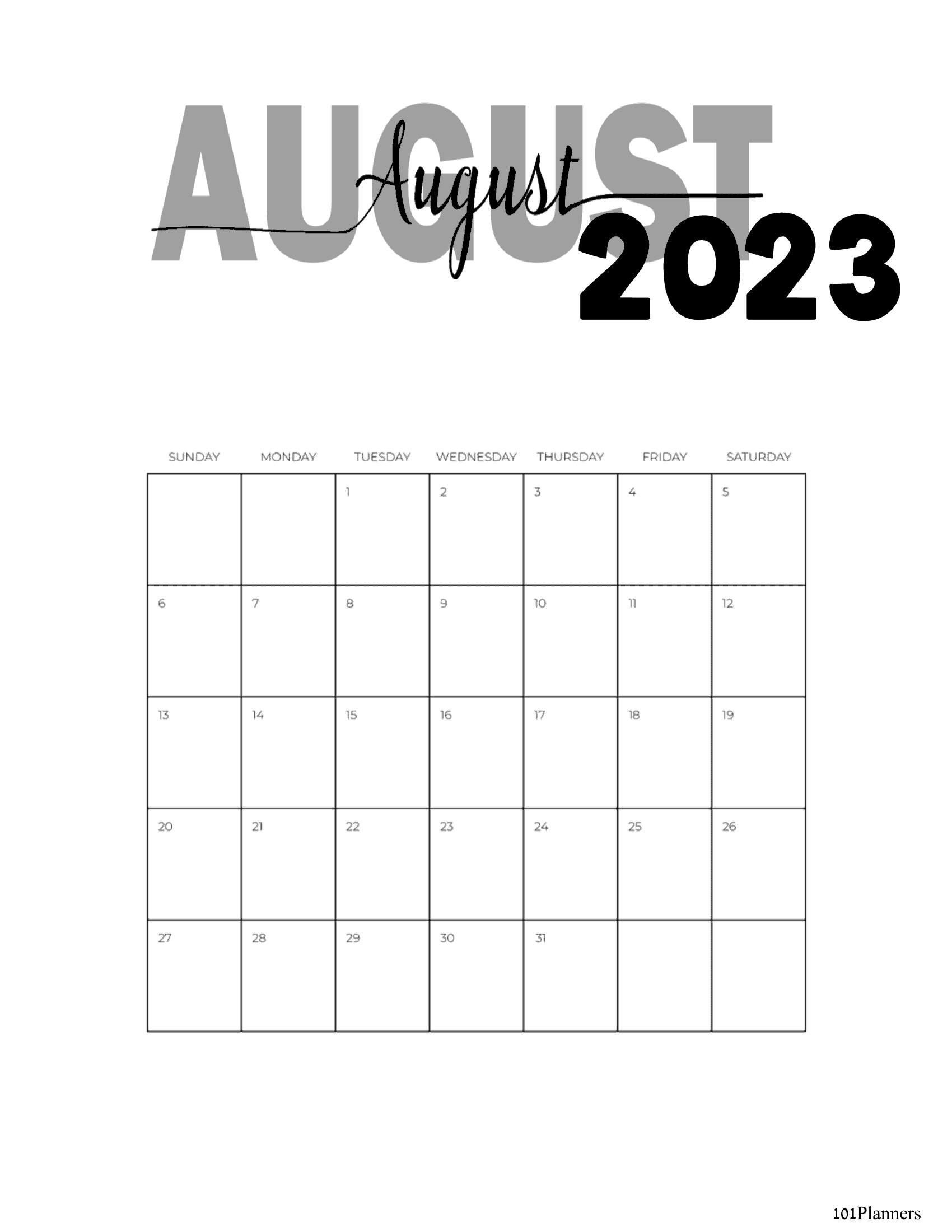

2-Page August Calendar for Planners
This August calendar printable is perfect to insert into a planner. You can delete the background or select any of the 101 free backgrounds available.

Bullet Journal Calendar
If you prefer your calendar to be bullet journal style then you will find our free bullet journal maker useful.

Photo Calendar
Use our free photo calendar maker to personalize your August photo calendar.

Cute August Calendar 2024
Create a cute calendar for the month of August. Everyone’s definition of cute is different which is why we have many different options available.
Monthly Planner

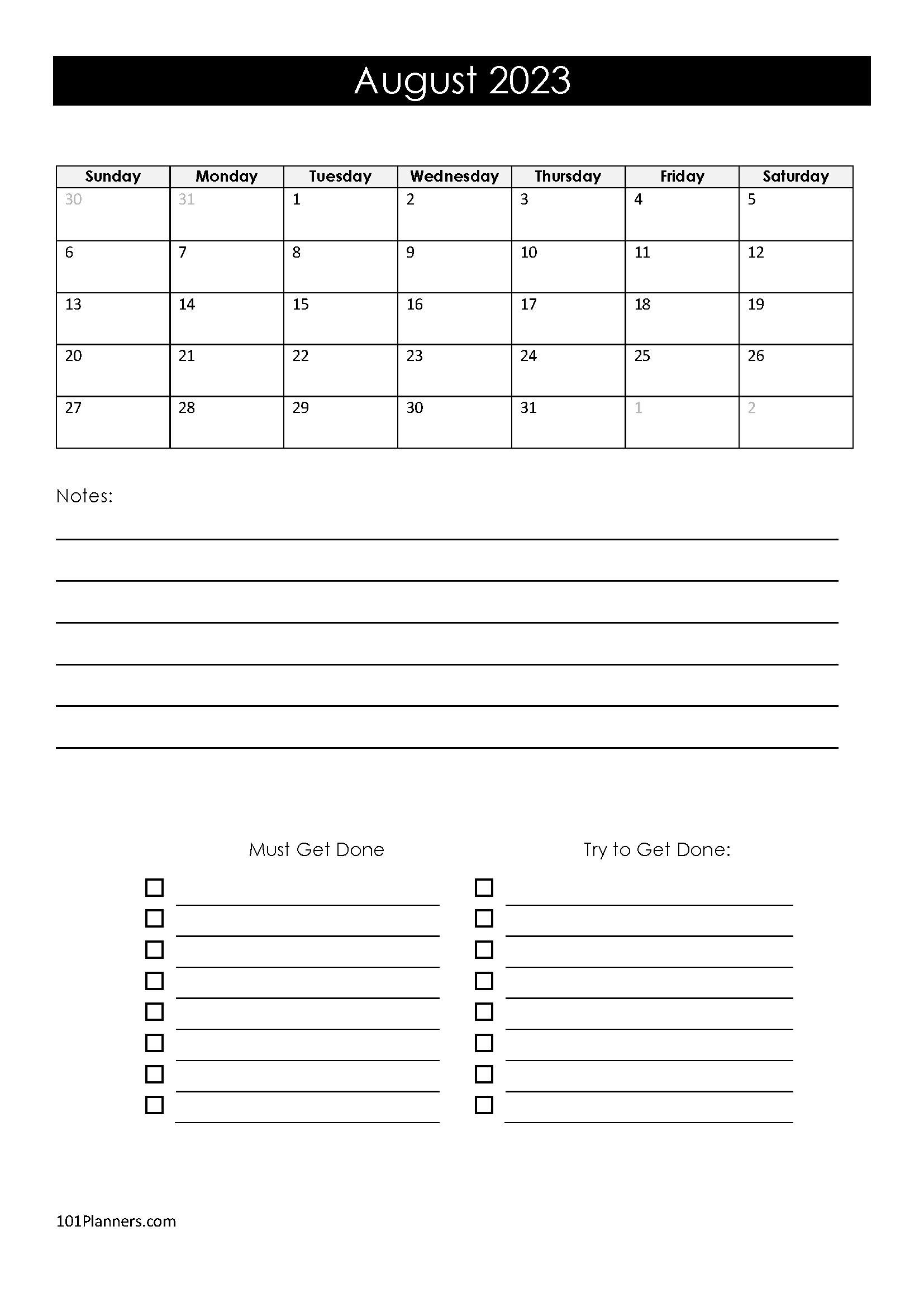
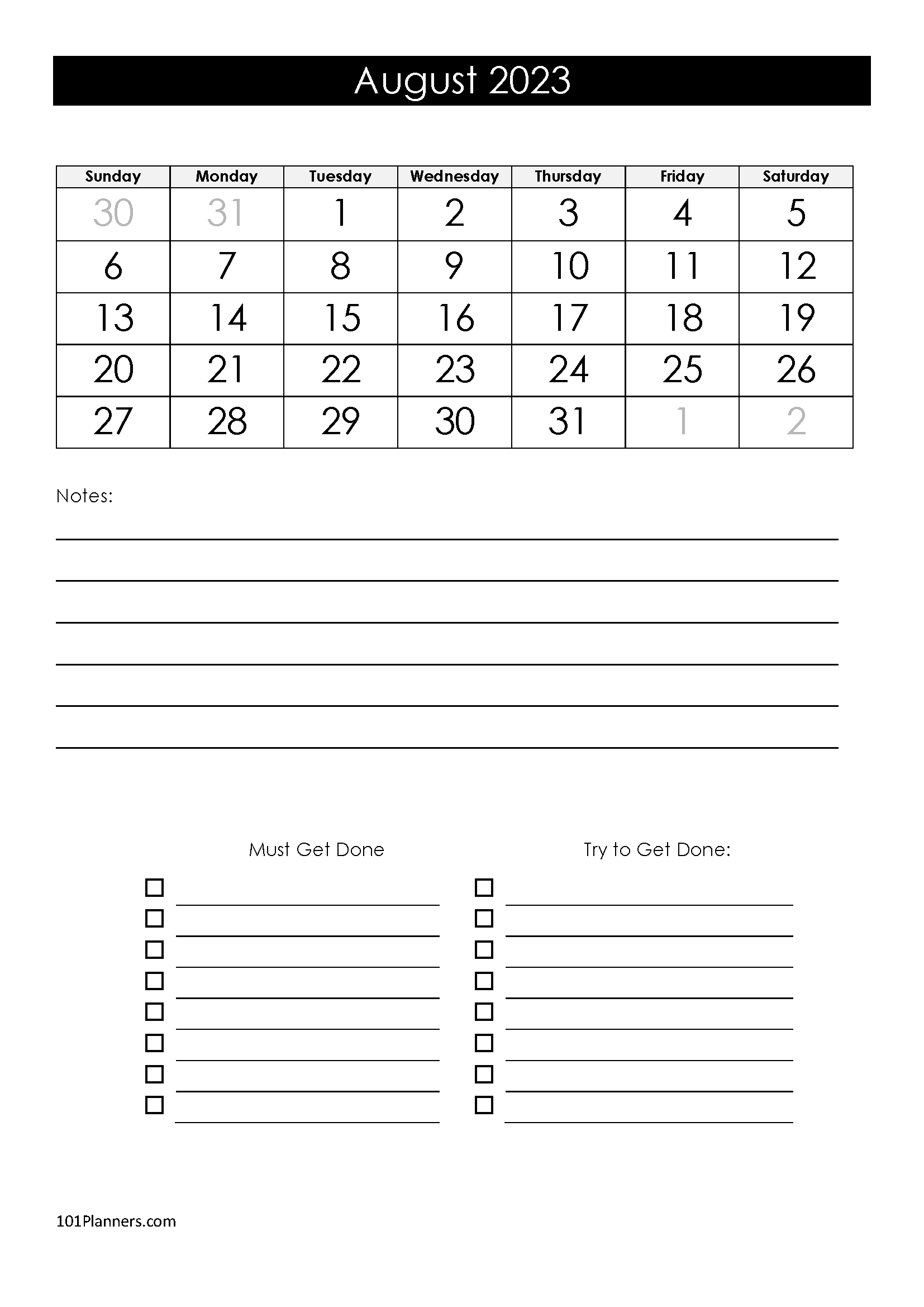
Use our free planner maker to create the perfect August planner for your needs. There are many widgets available and you can customize the planner. Add a to-do list, checklist, grocery list, meal plan, etc. This is just one example, but you can add hundreds of planner widgets to your August 2023 planner. You can add a monthly calendar instead of a blank calendar as in the example above.
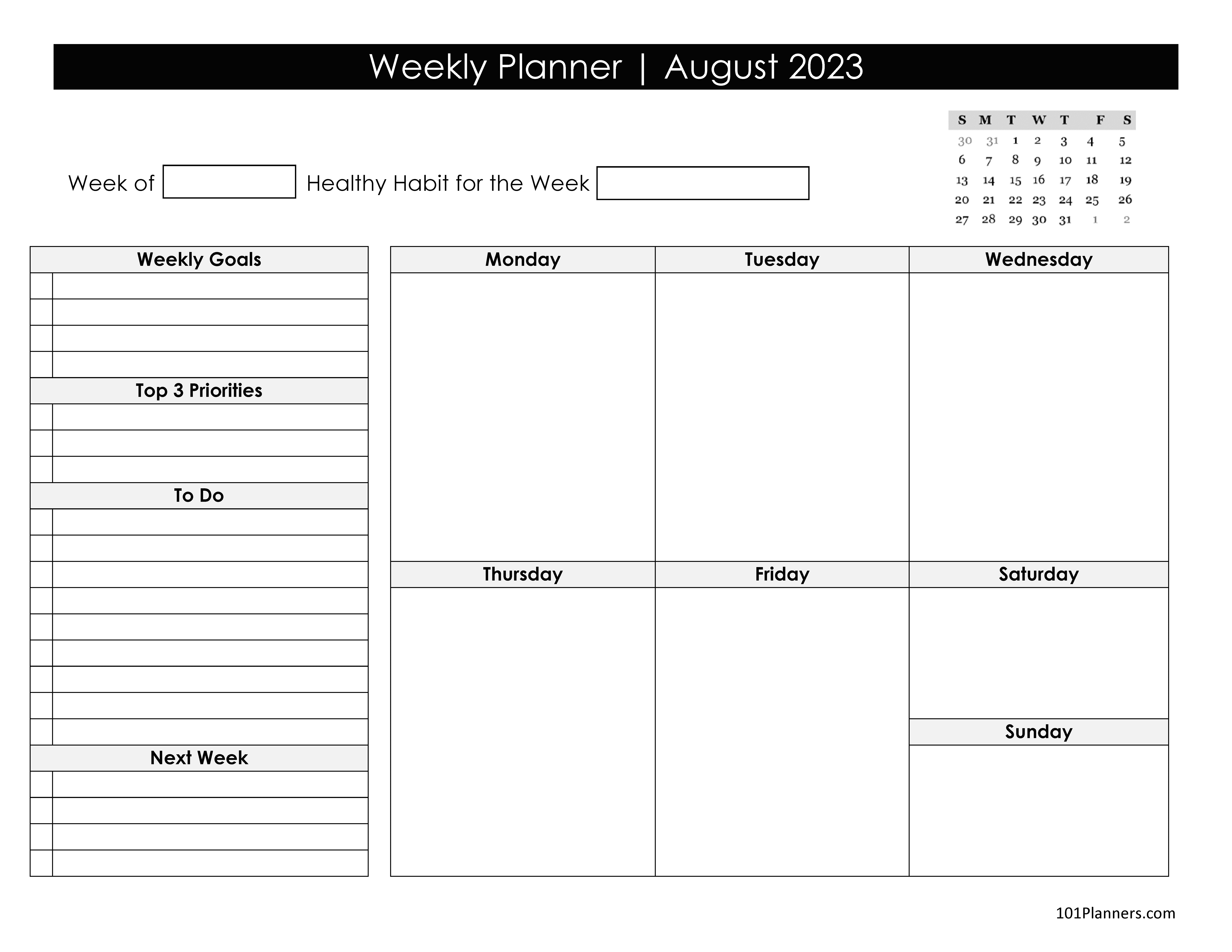
Weekly Planner
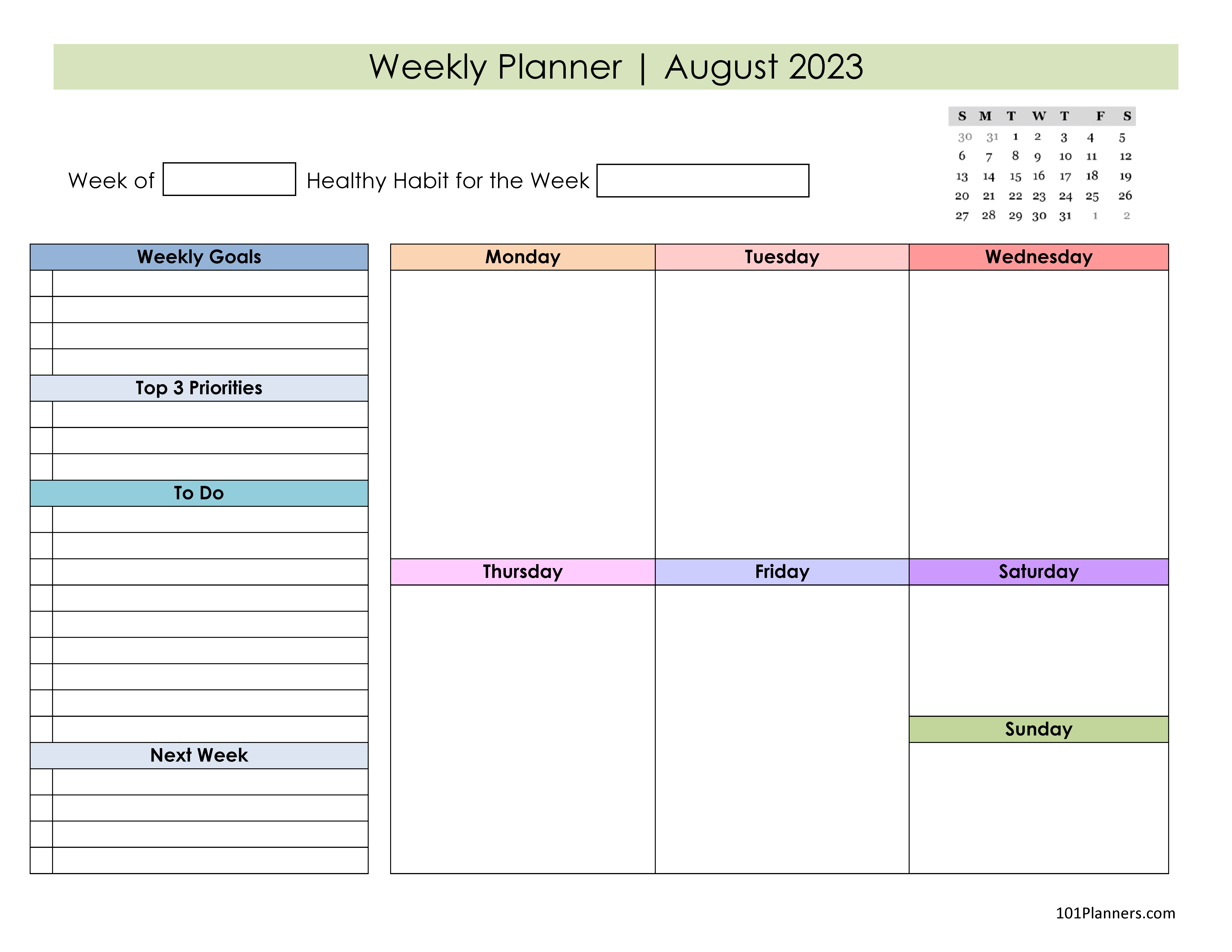
This is a weekly monthly planner for August 2024, 2025, and 2026.
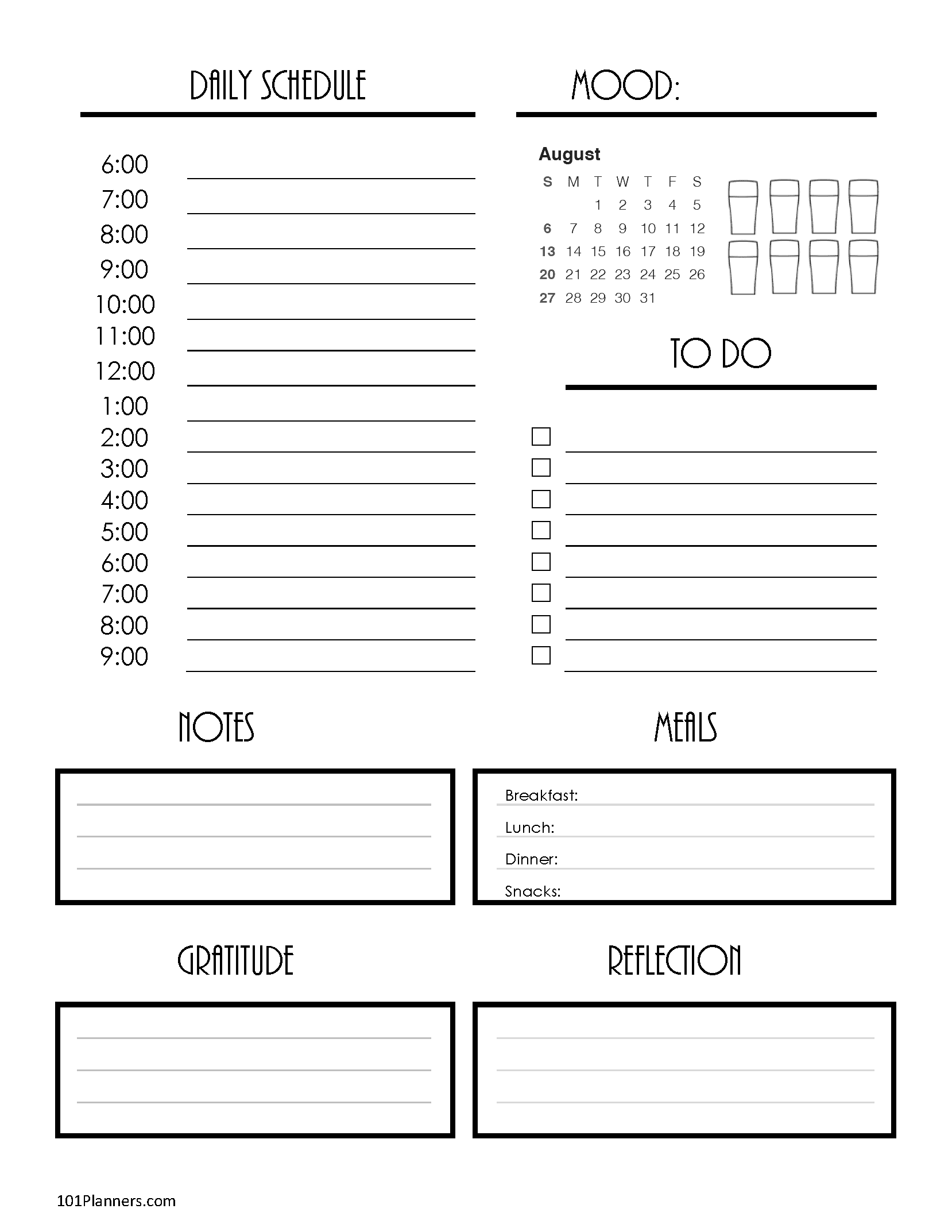
Daily Planner
This is a daily schedule planner with an August 2024, 2025, and 2026 calendar.
- 2024: Word | Typeable PDF | Image
- 2025: Word | Typeable PDF | Image
- 2026: Word | Typeable PDF | Image
- 2024: Word | Typeable PDF | Image
- 2025 Word | Typeable PDF | Image
Please note that the designs below do not show an August 2024 calendar but when you click on “customize & print” they will be updated.
Calendar Maker


With our calendar maker, you can personalize your calendar with any color you like. So, why not choose August colors? August is all about the rich golds and deep greens, symbolizing the late summer’s sunlit days and the abundance of nature before the transition to fall. These colors reflect the warmth of the sun and the lushness of the outdoors, adding a sense of richness and vitality to your daily plans. Customize your calendar with August’s colors to make organizing your month not just practical, but also a beautiful homage to the height of summer.
Blank Calendars
Monthly Calendar Template
This blank August calendar printable is available in Word, Excel, or PDF format. The Excel and Word versions are editable. The PDF version is typeable. For more options see Blank Calendar.
You can also make a blank August 2024 calendar printable with the calendar maker. Whereas the version above has no border or background, when you use the calendar maker you can add a border or background and hundreds of other elements and clipart to embellish your blank calendar template.
Fun Facts about August
- Although August is the 8th month of the Gregorian Calendar that we use today and the Julian calendar. It used to be the 6th month of previously used calendars since January and February didn’t used to exist. The original Latin name for August was “Sextillis”, meaning “sixth month” in Latin. In 8BC, it was renamed August in honor of Augustus Caesar.
- In the Northern Hemisphere, August is the last month of summer. In the Southern Hemisphere, it is winter (the equivalent of February in the Northern Hemisphere).
- August is the 5th month of the year that has 31 days. It is the only month that has 31 days for two consecutive months (both July and August have 31 days).
- August’s birthstones are the Peridot, Spinel, and the Sardonyx.
- The zodiac signs for the month of August are Leo (until August 22) and Virgo (from August 23).
- The August birth flowers are gladiolus and poppy. These two summer flowers both symbolize remembrance.
- August always ends on the same day of the week as November.
- In a standard year (i.e. not a leap year), no other day starts on the same day as August does. In a leap year, August begins on the same day as February.
August in Different Languages
Afrikaans: Augustus
Arabic: أغسطس (ughustus)
Bengali: আগস্ট (agosto)
Bulgarian: август (avgust)
Catalan: agost
Chinese: 八月 (bā yuè)
Croatian: kolovoz
Czech: srpen
Danish: august
Dutch: augustus
Filipino: Agosto
Finnish: elokuu
French: août
German: August
Greek: Αύγουστος (Ávgoustos)
Hebrew: אוגוסט (august)
Hindi: अगस्त (agast)
Hungarian: augusztus
Indonesian: Agustus
Irish: Lúnasa
Italian: agosto
Japanese: 八月 (hachigatsu)
Korean: 8월 (pal-wol)
Latvian: augusts
Lithuanian: rugpjūtis
Macedonian: август (avgust)
Norwegian: august
Polish: sierpień
Portuguese: agosto
Romanian: august
Russian: август (avgust)
Spanish: agosto
Swedish: augusti
Thai: สิงหาคม (singhaakom)
Turkish: Ağustos
Ukrainian: серпень (serpen’)
Vietnamese: tháng tám
 My name is
Please provide 2022 monthly planner pdf