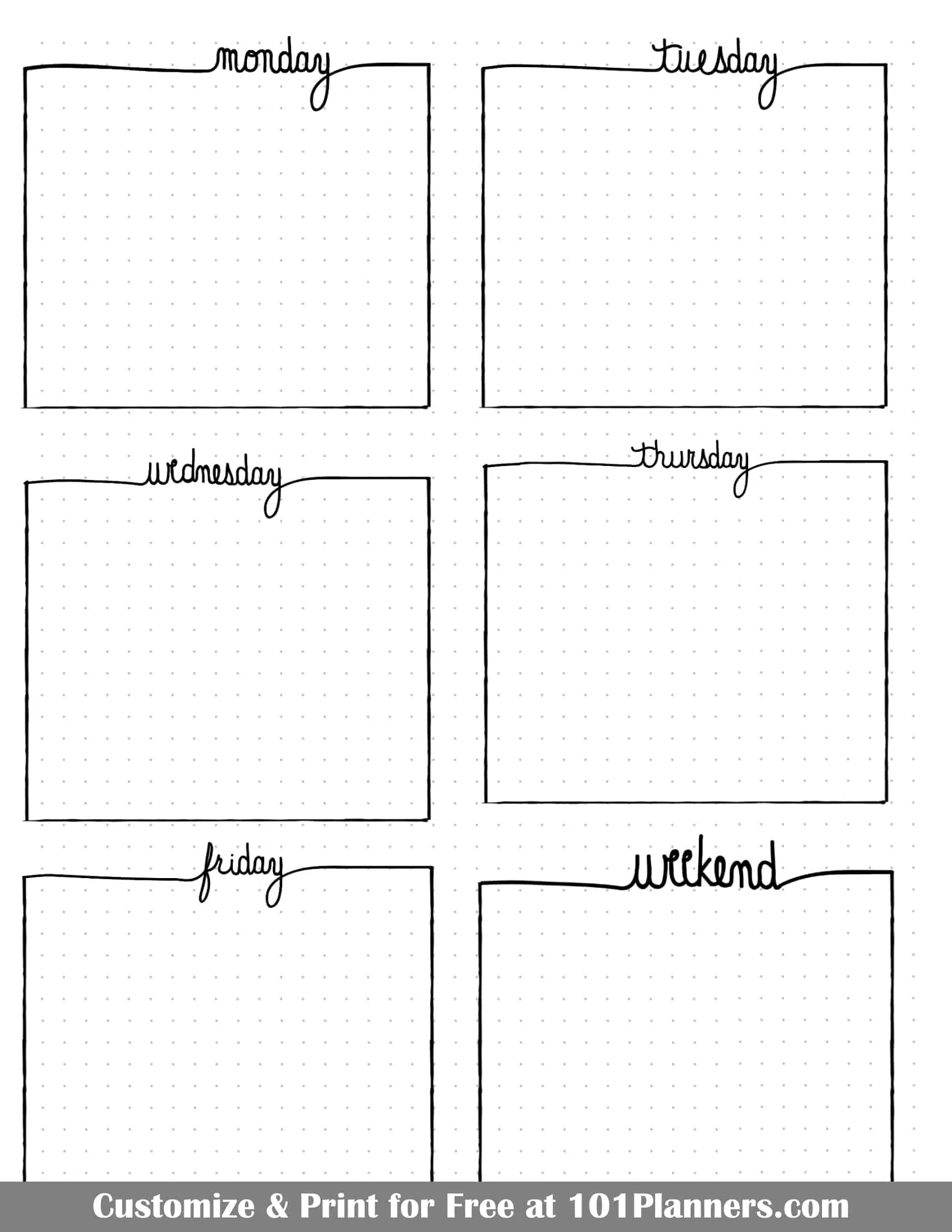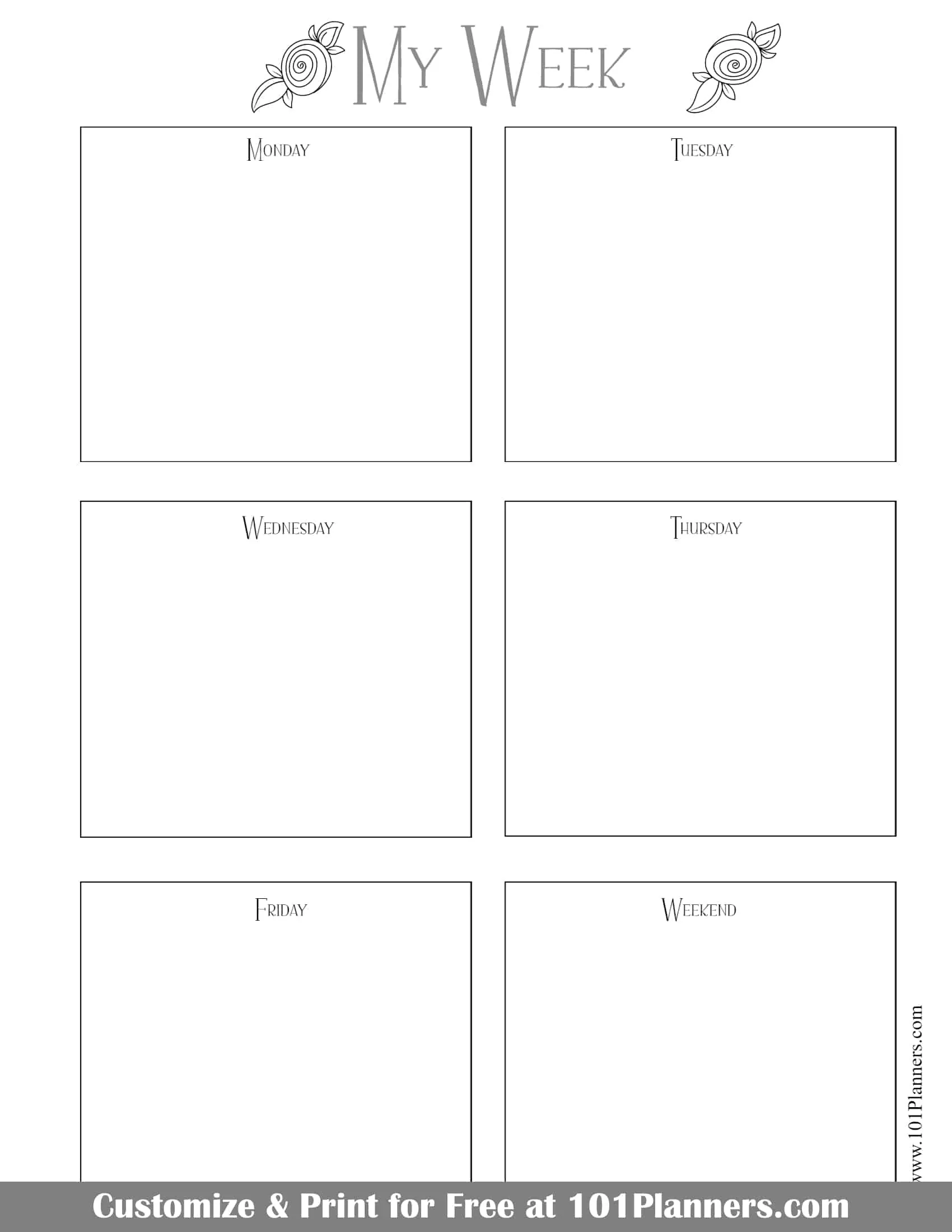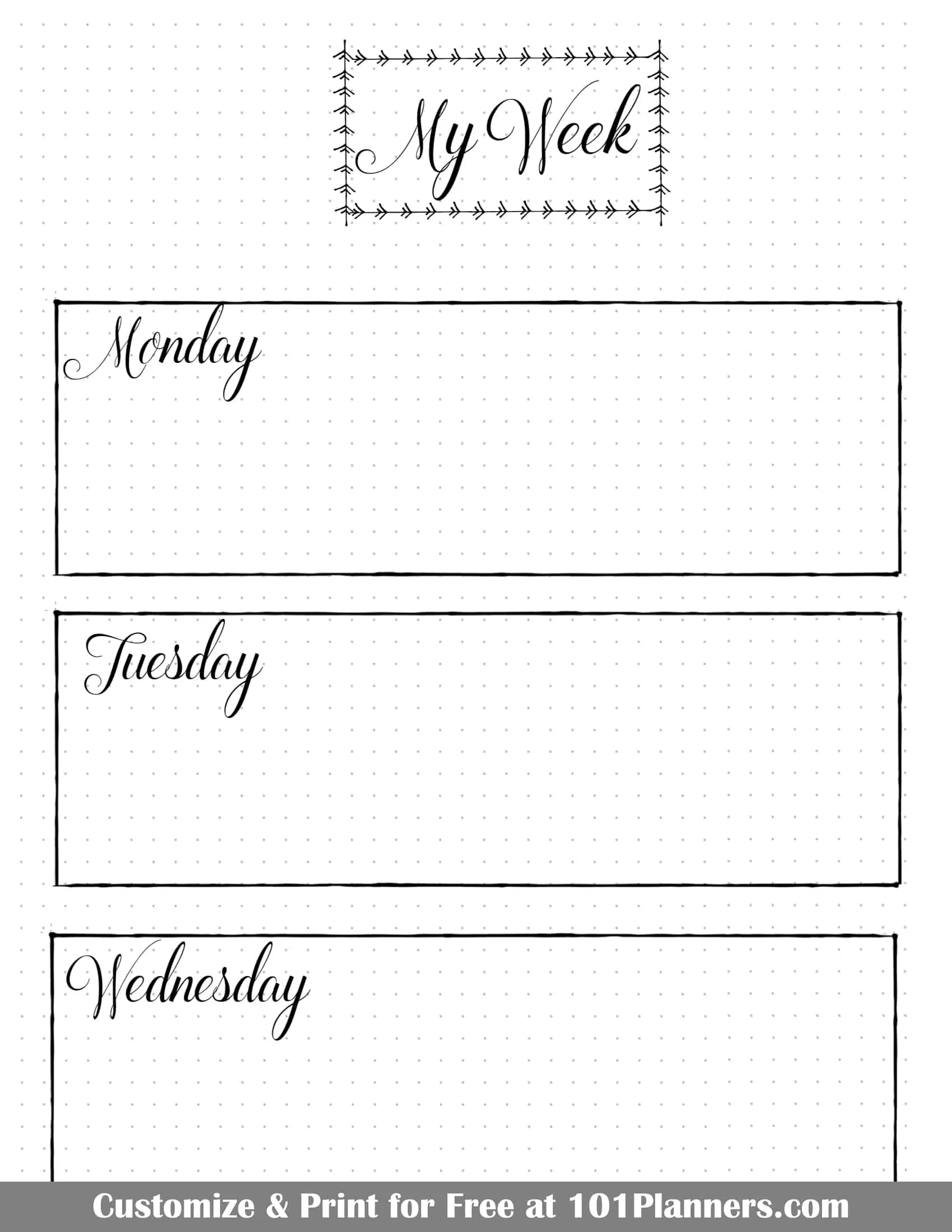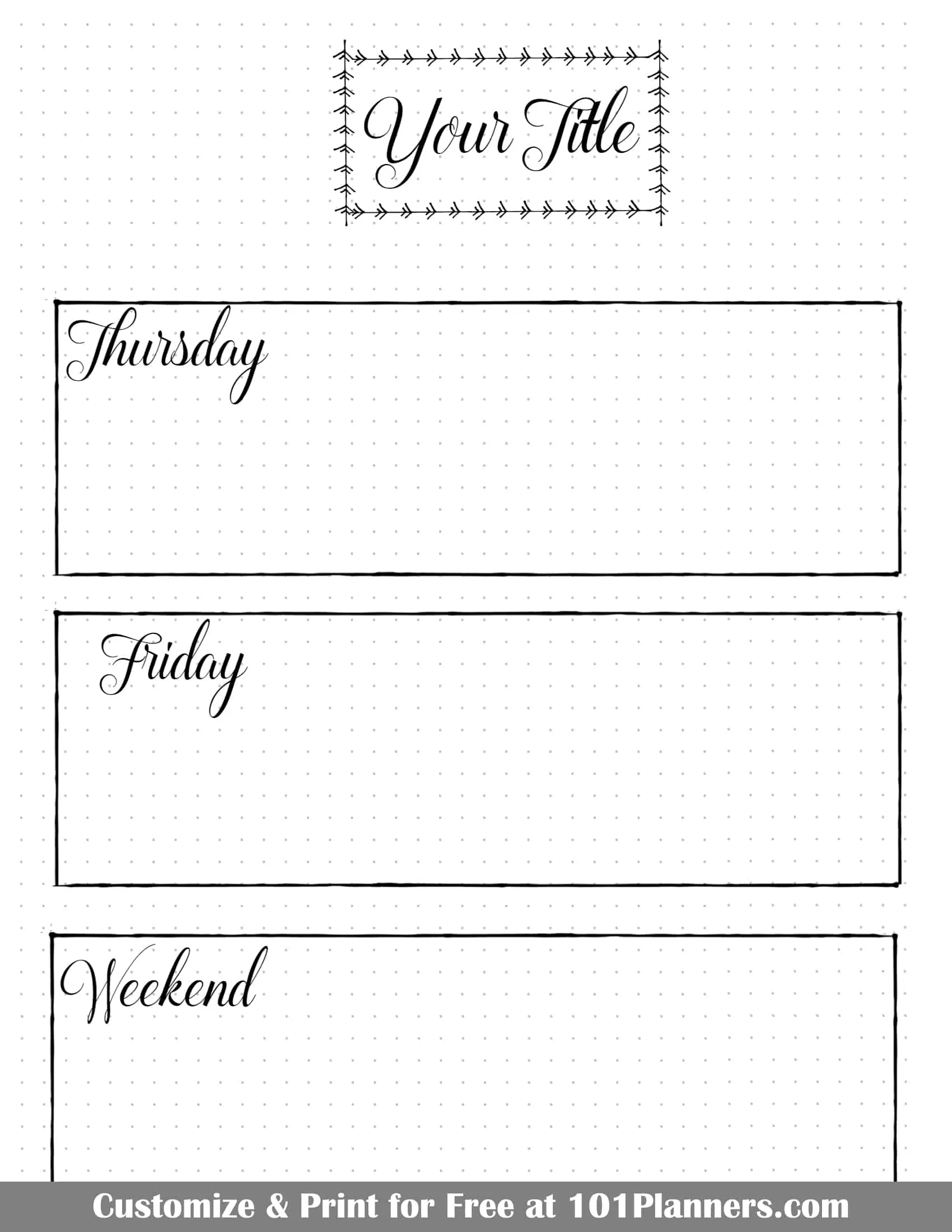
Do you lack the time to create the perfect bullet journal weekly spread for your needs? With our free bullet journal app you can create personalized spreads in under 2 minutes. Instant download!
Weekly Spread Templates
Double Spreads
These double spreads are designed to print on A4 paper for a double A5 spread or on US Letter paper to create two Half Letter pages โ just print and cut down the middle or fold depending on the planner or binder you use.

US Letter | A4

US Letter | A4

US Letter | A4
Note: When you open the bullet journal app you can select any calendar and you can change the watercolor clipart.
Note: These templates are provided in black and white. The images shown are just examples of how they can look if you choose to embellish them with markers.
Portrait Orientation
This weekly spread BuJo style has two sections: one for work and one for home. This helps you distinguish between personal and work tasks and events. However, you can edit the text to create a template with any two sections if you want to separate school and home or tasks and events.
Landscape Orientation
This weekly spread BuJo style has two sections: one for work and one for home. This helps you distinguish between personal and work tasks and events. However, you can edit the text to create a template with any two sections such as the middle template (meal plan and grocery list), tasks and events, or school and home (if you want to separate school and home).
💡If you are not sure how to setup your weekly bullet journal spread then see the bullet journal weekly layouts below.
Bullet Journal Weekly Layout Options
Choosing the Right Weekly Layout
With so many weekly layout styles available โ from minimalist to elaborate, from rigid schedules to free-form trackers โ how do you choose the one thatโs right for you? The beauty of the bullet journal method is that you can mix and match elements to suit your life. Here are some final tips to help you decide or even combine ideas:
- Consider Your Needs and Lifestyle: Think about the primary purpose of your weekly spread. Do you have lots of timed appointments? A vertical or time-block layout might serve you best. Tons of open tasks? A rolling weekly or a spacious grid could be ideal. If you want a quick overview and simplicity, lean minimalist or horizontal. If youโre tracking many facets (meals, habits, work, personal), a dashboard or Dutch door can handle the complexity. Align the layout with your routine: e.g., a student with a changing class schedule might use a different format during exam weeks (perhaps more space for study plans) than during break weeks (maybe a simpler layout).
- Be Willing to Experiment: You donโt have to stick to one layout forever. Many bullet journalists try a different weekly spread every week until they find a few favorites. Feel free to borrow features from multiple styles. For instance, you might do a mostly minimalist vertical layout but add a small Dutch door flap for an extra task list during a busy week. Or use a horizontal layout but with an integrated habit tracker at the bottom. Itโs not all-or-nothing โ you can customize. Over time, youโll discover what elements you love (maybe you canโt live without a โNext Weekโ sidebar, or you find a gratitude line indispensable). Your perfect layout might be a hybrid unique to you.
- Assess the Results: After using a layout for a week, do a quick review. Did you have leftover blank space? Too little space? Did it help you feel organized, or did you find yourself needing more structure? For example, if you tried a grid layout and found every box for MondayโFriday overflowing, you might switch to a two-column (work/personal) format to fit more. If you tried a highly artistic spread but found it impractical to maintain, you can dial back the art the next week. This iterative approach will guide you to a layout thatโs efficient and enjoyable. Remember, the โbestโ layout is one that makes you want to use your journal consistently and the one that makes you get the most out of it.
- Keep It Flexible: Life isnโt static, and your weekly spreads can evolve with your needs. During a vacation week, you might not need a detailed time-block โ a freeform or memory-oriented weekly could replace it. During hectic project weeks, you might incorporate rolling task lists or Dutch doors for overflow. Donโt be afraid to switch formats when your circumstances change. The bullet journalโs strength is adaptability; even Ryder Carroll (the inventor of the Bullet Journal Method) encourages customizing your logs to whatโs effective.
- Prioritize Function (with a dash of Fun): Ultimately, a weekly layout should help you manage your time and tasks. If a spread looks gorgeous but doesnโt actually help you get things done or understand your week at a glance, itโs not serving its purpose. On the other hand, if making it pretty motivates you to use it, that is a valuable function too! Aim for a balance. Many people find a planner thatโs visually appealing (even in a minimal way) is one they are drawn to each day. So include just enough decoration or personal touch to make you smile when you open it. Whether thatโs a pop of color in a minimalist list or a whole theme drawing, itโs up to you.
Minimalist Weekly Layouts
Minimalist weekly spreads focus on clean, uncluttered design. They typically use simple structures (basic grids or lists) with minimal decoration. White space, monochrome or limited colors, and simple lettering are common featuresโ. The idea is to capture only the essentials of your week without ornate embellishments.
These are examples of minimalistic layouts but there are many more templates above.
- Structure: A minimalist layout might be just a plain list of the days with tasks, or a basic grid of boxes for each day. For example, you might divide a page into seven equal sections labeled Monday through Sunday, using only pen lines and basic headers. There are no doodles or fancy fonts โ just the framework needed to write your plans.
- Ideal Use Cases: Perfect for people who are short on setup time or prefer function over form. If youโre a beginner to bullet journaling or someone who gets overwhelmed by complex designs, minimalist spreads provide an easy entryโ. Theyโre also great for professionals who need a clean look, or anyone who wants a journal thatโs โall business.โ
- Pros: Very quick to set up and update. The pages look neat and streamlined, which can be calming rather than distracting. With fewer elements on the page, your tasks and appointments stand out clearly. Minimalist weeklies are also highly adaptable โ you can tweak sections week to week without worrying about matching an elaborate theme.
- Cons: The simplicity can feel too plain for those who enjoy creativity. You wonโt have visual extras like doodles or stickers, which some people find motivating. Additionally, if you enjoy memory-keeping or artistic expression in your planner, a strict minimalist approach might feel limiting. Thereโs a risk of the layout feeling โsterileโ or boring to certain journalers.
- Best For: Bullet journal beginners, busy people, or anyone who prioritizes efficiencyโ. If youโre not confident in your artistic skills (or simply donโt want to spend the time), minimalist spreads let you focus on planning. Theyโre also ideal for those who want to try bullet journaling in its โpureโ form โ as Ryder Carroll originally intended and as described in the book the Bullet Journal Method, with rapid-logging and minimal flairโ.
Practical Tip: Even minimalist spreads can be personalized. Use a single accent color or a simple Washi tape strip if you crave a tiny bit of flair without making the layout busy. Remember, minimalist doesnโt have to mean bland โ it means intentional. Include only what truly adds value for you (a key, a small calendar, etc.) and omit the rest.
Practical Tip: Use our free online bullet journal app to create your weekly spreads in just a few minutes or print them as-is instantly.
Artistic and Decorative Weekly Layouts
Artistic weekly spreads transform your planner into a creative space filled with color, design, and personal expression. These layouts treat your planner as a canvas โ featuring drawings, hand-lettering, stickers, washi tape, and creative themes. The weekly planning space is often integrated with decorative elements like seasonal doodles or elaborate borders. In an artistic layout, visual appeal is as important as function.
- Structure: Artistic spreads donโt have one set structure โ the form can vary widely. For instance, you might still use a vertical or horizontal layout for the days, but surround it with illustrations (flowers, landscapes, cartoons, etc.) that match a theme. Some artistic weeklies use unconventional structures, like a circle or mandala representing the week, or scrapbook-style elements. The key is that extra space is devoted to art or decoration. An example structure could be a two-page spread with a watercolor background wash, cursive headers for each day, and small doodles filling any empty corners.
- Ideal Use Cases: These layouts shine for people who love creativity and want their planner to double as an art journal. If you find joy and stress-relief in drawing or hand-lettering each week, an artistic layout will keep you motivated to use your journal. Itโs also great for memory-keeping โ you might paste in photos or ticket stubs alongside your plans. Many in the bullet journal community use artistic spreads to celebrate holidays, seasons, or personal interests (like a Harry Potter-themed weekly, etc.).
- Pros: Highly personalized and fun. Each week can be a new creative project, which keeps you engaged with your planning. Decorative spreads can be very inspiring to look at โ they might spark joy each time you open your journal. They allow you to practice art skills and make your planner truly โyours.โ Also, an artistic layout on social media can build a sense of community as you share designs and get inspired by others.
With the free bullet journal app on 101Planners.com, you can create artistic layouts effortlessly by adding watercolor backgrounds, doodles, washi tape, or watercolor-style embellishments with just a click of your mouse. You still get the joy of designing a pretty and unique weekly spread, but without spending hours drawing or painting by hand. Itโs the perfect balance of beauty and efficiency.
🎨 If you want just a small dose of creativity, you can use the app to add hand-drawn-style doodles or lettering, print your layout, and then color them with markers. Itโs a quick and easy way to add a personal touch and bring your spread to life without committing to a full art session.
- Cons: Time and effort. Designing and drawing a detailed layout every week can be time-consuming. If youโre busy, this could become a burden. Thereโs also a temptation to focus too much on art and not enough on planning content โ some find they procrastinate by perfecting doodles. Artistic spreads can be intimidating for newcomers who feel they โarenโt artistic enough.โ Finally, if plans change, a heavily drawn layout might be less flexible (for example, moving things around is harder once pen and paint are down).
- Best For: Creative souls and hobbyist journalers. If you treat your bullet journal as a creative outlet or relaxation activity, youโll thrive with decorative layouts. Itโs also suited for people who donโt mind their journal taking extra time โ perhaps you set aside a craft session every Sunday to set up the new week. Artistic spreads are a good choice for those who value the journey of journaling (the drawing and decorating process) as much as the destination (an organized week).
Practical Tip: You can combine art with function by leaving plenty of writing space. One approach is to keep your daily entries in a consistent spot (like boxes or columns) and add art around the margins or as a header/footer. This way, your tasks and events are still clearly separated from the artwork. Also, consider using printables, stamps, or stickers if you want a decorative look but lack confidence in drawing โ these tools add flair without requiring freehand art skillsโ. The goal is a layout that inspires you to use it, so have fun and donโt worry about perfection.
Vertical (Daily Column) Weekly Spreads
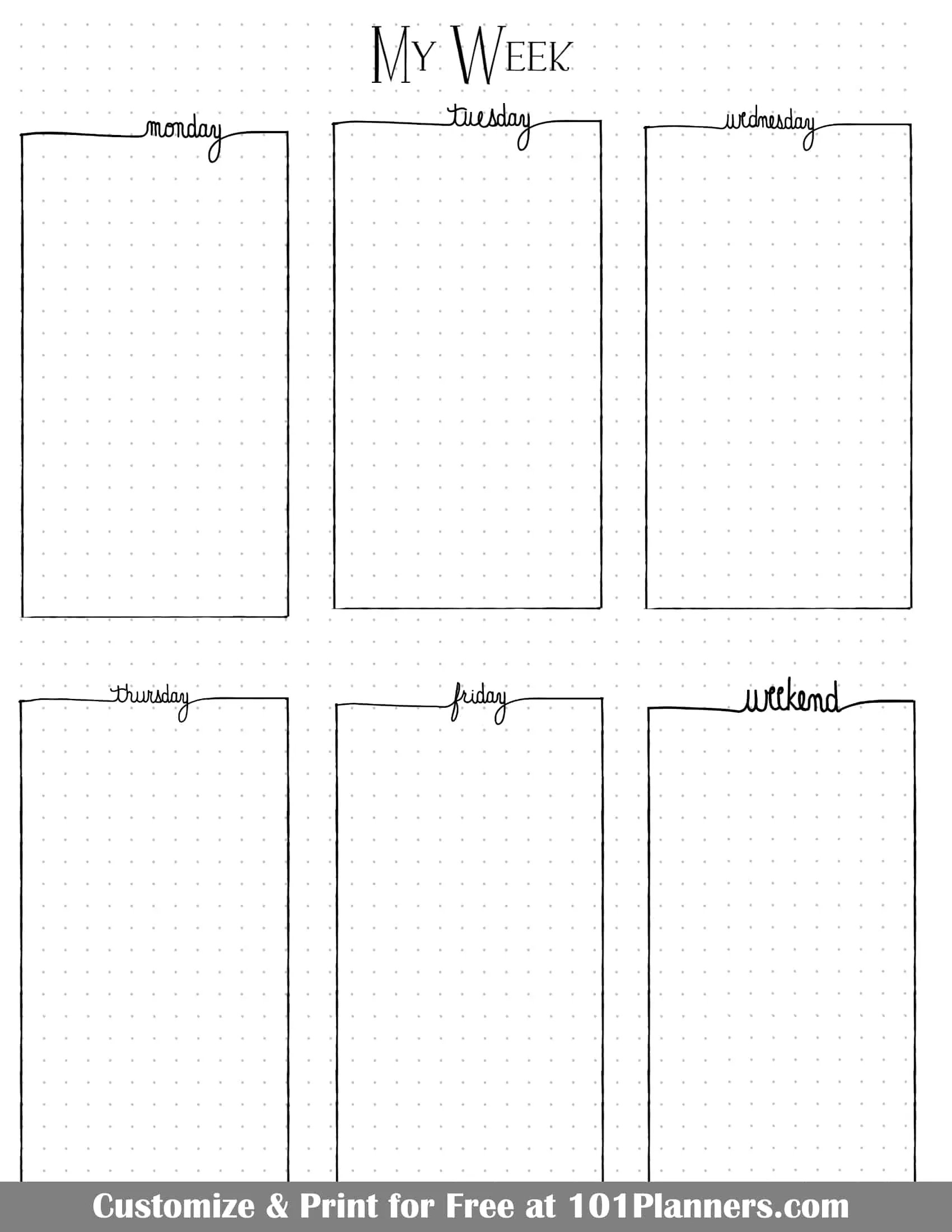
Vertical weekly spreads arrange each day as a column running from top to bottom of the page. This format resembles a traditional planner or calendar column for each day. It is one of the most popular bullet journal weekly setups. Typically, a vertical weekly uses a two-page spread: the days of the week are laid out in long boxes or columns across the pages, often with Monday through Wednesday on the left page and Thursday through Sunday on the right (sometimes combining Saturday/Sunday if space is tight).
These are examples of vertical layouts but there are many more templates above.
- Structure: In a classic vertical layout, you draw vertical rectangles for each day. For example, on an A5 notebook, you might create three columns per page. Each column is labeled with the day name or initial and date at the top, and the column is used to list that dayโs tasks, events, and notes in a downward list. Because the columns are long, this format is great for people who like to list many tasks. You can also include time markers down the side of a column if you want to schedule by hour (making it a timeline for the day). Often a vertical weekly will reserve a small section for extras like a weekly to-do list or notes, either by including a seventh column for โNotesโ or by leaving some space at the bottom of the spread.
- Ideal Use Cases: Use a vertical layout if you have busy days with lots of tasks or appointments. The long column gives you ample room to write each item. Itโs also ideal if you prefer a linear schedule (morning tasks at the top, evening at the bottom, for instance). People who migrated from pre-printed planners often like this, since many planners use a vertical weekly format. If you enjoy making detailed daily to-do lists but still want the week overview, vertical columns strike that balance.
- Pros: Each dayโs column can fit a lot of information. This layout excels at accommodating long task lists. It also naturally lends itself to chronologically ordering items (you can write tasks roughly in the order of the day). Visually, vertical spreads tend to look organized and structured โ columns create clear separation. Many find this format intuitive, as it mirrors digital calendar views. Another pro is that you can easily incorporate sub-sections in a column (for example, you might split a column into โAM/PMโ or have a subsection for priorities at the top of each column). The vertical boxes give a uniform, balanced look across the spreadโ.
- Cons: A full vertical layout usually requires a two-page spread for one week, meaning it takes up more space in your notebook. If your days are sometimes empty (e.g., you have a quiet weekend), the unused space in a long column can be wasted. Conversely, if one day still isnโt long enough (extremely busy days), you might run out of room and have to overflow into another area. It can also be a bit rigid if you want to include other elements โ the columns dominate the design, leaving less room for large habit trackers or notes (unless you incorporate those creatively, like in a sidebar). Additionally, drawing many straight vertical lines can be a bit more tedious if youโre doing it by hand (a ruler helps). You can use our free BuJo app to create the layouts to prevent this.
- Best For: People with detailed daily plans. Students with class schedules, professionals with numerous daily meetings or tasks, or parents managing many errands โ anyone who needs to compartmentalize a lot of items per day will benefit. If you love making lists and checking them off, daily columns feel satisfying. Itโs also great for those who like a planner-like feel in their bullet journal.
Practical Tip: To avoid monotony in a vertical layout, you can play with column width or arrangement. For example, some bullet journalists put four days across the top of the two pages and three days in a second row (which can also incorporate a notes box) โ this still keeps days in columns but breaks the visual straight line across the middle. Another tip: highlight or use a different bullet symbol for high-priority items at the top of each column so they stand out in the long list. If you find you donโt use all the space in a column, you can always add a small doodle or inspirational quote sticker in the blank area to keep the page from feeling sparse.
Time-Blocking Weekly Layouts
Time-blocking is a planning technique where you schedule your tasks into specific time slots. In a weekly spread, a time-blocking layout is most often used with a vertical layout with an hourly planner or timetable for each day. Instead of (or in addition to) just listing tasks, you allocate chunks of time for them. This layout is very useful for those who want to manage how they spend each hour of the day or ensure they dedicate time to important activities.
- Structure: A common time-block weekly uses a grid similar to a timetable. Imagine a column for each day and rows for hours of the day, say from 7am to 10pm. You end up with a matrix where you can shade or write in blocks corresponding to events. For instance, Monday 9-11am might be colored or labeled โWork Project Aโ, 11am-12pm โMeetingsโ, 1-2pm โGymโ, etc. Some people only mark major divisions like Morning/Afternoon/Evening instead of every hour, to keep it simplerโ. Alongside the schedule grid, you might have a sidebar for weekly to-dos or a key for color codes. Color-coding is popular in time-block spreads: for example, all work tasks in blue, personal in green, family in yellow, etc., so when you glance at the week, you see blocks of colors indicating where your time goesโ. In essence, this layout turns your bullet journal into a weekly agenda view.
- Ideal Use Cases: If you have a schedule that is driven by appointments or time-specific activities, this is for you. Students with classes, or professionals with many meetings, often benefit from laying these out in a calendar format. Itโs also great for those practicing productivity methods โ for example, if you follow a routine like โdeep work from 9โ11am dailyโ, you can block that out and protect that time. People who feel overwhelmed by a long to-do list might find relief in assigning each task a slot โ it helps answer โwhen will I do this?โ and avoids overcommitting. Additionally, time-blocking is useful if you are trying to build habits like a consistent study time, exercise time, etc., because you can literally block that into your week. Itโs also a good reality check on how much time you actually have available; by plotting your week, you may discover you only have, say, two hours free on Friday, so you shouldnโt plan 5 hours of tasks.
- Pros: Provides structure and focus. By design, time-blocking helps you maintain focus on one task at a time, because youโve set aside that slot for it. It can reduce procrastination โ when your schedule says โ2:00โ3:00 write report,โ youโre more likely to do it than if it was just on a list. Itโs also excellent for ensuring important things (like breaks or personal time) actually get space on your calendar. A big advantage is seeing where your time goes; you might notice youโre spending a lot of time on low-priority tasks and adjust accordingly. Time-block layouts also inherently combine your calendar and task list, so youโre not looking in two places. Many find that color-coded blocks make it easy to read the week at a glance (โgreen blocks are workouts, I see at least 3 greens so I met my goalโ, etc.). This method helps avoid over-scheduling because you physically canโt block two things in the same time slot. In short, it brings the benefits of a structured planner and can improve productivity by grouping tasks and limiting distractionsโ.
- Cons: Itโs somewhat inflexible once written โ if your dayโs plan changes, the neat colored blocks can become inaccurate, requiring re-drawing or messy corrections. Some people feel constrained by a strict timetable or find it stressful if they fall behind (โI was supposed to be doing X at 3pm and Iโm not done with Y from 2pm, now everything slides!โ). Setting it up can be more labor-intensive: you have to draw out the grid or at least write the hours for each day (unless your use our free app to create the layout for you). If youโre not consistent about estimating how long tasks take, you might overfill your blocks, which leads to frustration. Also, not everyoneโs life fits into hourly slots โ if you have a lot of open, unstructured time or a very fluid schedule, time-blocking might be overkill. In a bullet journal specifically, a densely packed time-block spread can get cluttered, especially if you have many small events (some use abbreviations or very tiny writing to fit multiple items in one hour block). Lastly, for those who enjoy spontaneity, seeing every hour accounted for might feel too rigid.
- Best For: Time-conscious planners. People who thrive on schedules โ such as students, teachers, managers, entrepreneurs with varied responsibilities, or anyone juggling many categories of tasks โ will likely appreciate this. If you find digital calendars useful, you might enjoy replicating a similar view on paper. Itโs also great if youโre trying to develop discipline in your routine (for example, scheduling study periods for an exam prep, or ensuring you allocate time to a side-project). Those who have specific goals like increasing productivity or balancing different aspects of life (work, family, self-care) can use time-blocks to ensure each gets its due time. Essentially, if โwhenโ something happens is as important to you as โwhatโ happens, a time-blocking layout is a strong choice.
Practical Tip: You donโt have to schedule every minute. Leave buffer blocks for โdown timeโ or catch-up, because inevitably some tasks will run over or life will intervene. Remember, the purpose is to be intentional with your time. Even a rough time-block (like dividing the day into Morning/Afternoon/Evening blocks and assigning tasks to those) can yield benefits without the granularity of hour-by-hour linesโ.
Horizontal Weekly Spreads
A horizontal weekly spread is arranged with days laid out in rows (or otherwise wider-than-tall sections), often across a single page or split into a couple of rows on two pages. This style is akin to a traditional weekly planner where you might see MondayโWednesday as one row and ThursdayโSunday as another, or even all seven days in a single column one after the other. Horizontal layouts are popular for more compact weekly overviews and are commonly used when you want the entire week on one page.
These are examples of horizontal layouts but there are many more templates above.
- Structure: In a typical horizontal layout on one page, you might list the days sequentially down the page: e.g. โMon, Tue, Wed, Thu, Fri, Sat/Sunโ each as a heading with a short list or space after it. Another common structure is the 2×4 grid: two rows and four columns (with one box often used for notes or the weekend). For instance, you could have Monday, Tuesday, Wednesday, Thursday boxes in the top row and Friday, Saturday, Sunday, and a small โNext Weekโ or โNotesโ box in the bottom row. This essentially creates eight sections in a grid, one reserved for extra info. Other horizontal designs might use full-width rows. For example, you could divide a two-page spread into six equal horizontal strips, with each strip spanning both pages โ Mon & Tue sharing the first strip, Wed & Thu the second, Fri & Sat the third, and Sunday plus a notes section on the fourth (leaving two strips for perhaps trackers or left blank). The defining feature is that each dayโs space is wider than it is tall, allowing a short list or a couple of sentences per day. See the examples above.
- Ideal Use Cases: Horizontal spreads are ideal if you donโt have a ton of tasks each day or if you prefer a concise overview. Many bullet journalists use horizontal layouts during lighter weeks or when they want to save space. If you like to jot a quick note about each day (like a memory or a single highlight) alongside your tasks, a horizontal box can encourage that, as it has a diary-like feel (short and wide, good for a sentence or two). Itโs also a favorite for people who only need to track a few key tasks or appointments per day and want the week in one glance without turning pages.
- Pros: A big advantage is you can often fit the week on one page, or at most one double-page spread with lots of room left for extras. This means less page-turning and potentially quicker setup. Horizontal sections can be easier to draw (fewer long vertical lines; you may just draw one horizontal division mid-page and vertical divisions for columns). They tend to work well with integrating small trackers โ e.g., you can often sneak a habit or mood tracker in a corner since the days arenโt using the entire page. Also, if your handwriting is a bit larger, a wider box might let you write more legibly than a narrow column.
- Cons: Limited space per day. If suddenly a particular day has a lot of tasks or a detailed schedule, a small horizontal box might overflow. You then have to either abbreviate tasks or continue in another area (which can break the structure). Because each section is relatively small, some people find they canโt fit long descriptions or multiple appointments easily. Horizontal layouts also might not be sufficient if you rely on time blocking โ thereโs usually no room to map out hourly plans unless you modify the design. In essence, this style trades detail for brevity. Another con: if you use one page for the week, you sacrifice the opportunity to use the facing page for that weekโs content (though you could use it for something else, like a weekly to-do list or journal).
- Best For: Lighter scheduling needs. Perhaps you only need to note a few key tasks or events each day (like class schedule and one or two to-dos, or just your work shift and an errand). Itโs also great for those who prefer a quick visual of the week without too much detail โ if your bullet journal serves more as an overview and you handle details in daily logs or digitally, a horizontal spread is perfect. People who travel or have on-the-go journals sometimes use horizontal one-page weeklies so they can see everything in one view (conserving space). Also, if you enjoy including a weekly reflection or gratitude sentence per day, a horizontal box allows for a short journal entry alongside tasks.
Practical Tip: To maximize a small horizontal space, use abbreviations or symbols for tasks (the bullet journal systemโs icons can help, so you donโt have to write โappointmentโ or โdeadlineโ โ use a symbol). You can also combine Saturday and Sunday into one box if your weekends are generally light; this frees up space for a notes or goals section. Another idea is to rotate the format occasionally: for a busy week, switch to a vertical or more spacious layout, then return to horizontal when things calm down. Bullet journaling is flexible โ you can use horizontal layouts on weeks when it makes sense, and something else when it doesnโt.
Grid-Based Weekly Layouts
Grid-based weekly layouts divide the week into a grid of evenly sized boxes or sections, often creating a very balanced, calendar-like view. This approach is essentially an evolution of the horizontal layout, giving each day (or each weekday) an equal footprint on the spread. Many people love grid layouts for their visual symmetry and straightforward setup.
- Structure: Typically, a grid layout means arranging 6โ8 boxes in a grid. A common version is the โ8-squareโ two-page layout: you draw four equal rectangles on the left page and four on the right, making a 2×4 grid. Seven of those boxes are labeled for Monday through Sunday, and the eighth might be used for Notes, Goals, a quote, or even left blank for decoration. For example, you might have Monday, Tuesday, Wednesday, Thursday in the top four boxes, and Friday, Saturday, Sunday, and a Notes box in the bottom four. Each box might have the day written in a corner or as a header, with the space below for that dayโs tasks. An alternative is a 3×2 grid if using one page (three days per row on two rows, combining a couple of days or excluding a notes box). Essentially, every box in the grid has the same dimensions, giving the week a blocky, orderly appearance.
- Ideal Use Cases: Grid layouts are great when you want uniformity and an easy template to replicate. If youโre not sure which layout to try as a beginner, this one is a good starting point because itโs essentially like drawing a mini calendar โ very straightforward. Itโs ideal for moderate planning needs: you have some tasks or events each day, but not an overwhelming number. Also, if you enjoy decorating within a structure, each box can be a little โframeโ to decorate (for example, you can theme each dayโs box with a small doodle). People with fairly regular schedules often use grids because each day gets a similar amount of space (e.g., a work routine MondayโFriday might fill each weekday box similarly). Itโs also popular among those who like to plan the week as a whole but keep daily details concise.
- Pros: Balanced and neat. A grid gives you a pleasing visual balance โ it often looks very polished even with minimal effort. Each dayโs boundaries are clear, which helps prevent your notes from spilling over or looking chaotic. Itโs easy to set up with the dot grid: just count out equal squares. Many find it an efficient use of space: you can fit seven days plus extras on two pages nicely. Functionally, it forces you to be concise each day, which can be good if you tend to over-plan โ you have a fixed box to fill. As a bonus, grid layouts often leave small blank gaps or margins that can be used for tiny habit trackers or icons.
- Cons: The equal-space design might not reflect the reality of your week. If, say, Monday is always jam-packed and Sunday is always light, giving them identical space can be inefficient โ you may cram Mondayโs box and have Sundayโs half-empty. Some people feel constrained by the predetermined box size: if something doesnโt fit, you have to arrow or overflow it to the notes box. Itโs also not ideal if you need to write long sentences (the boxes tend to be small, so they fit bullet points better than paragraphs). Another minor con: drawing the grid lines every week (especially if you outline each box) is a bit more work than a simple list, though many donโt mind this. You can also use our free app which creates the layout in seconds. Lastly, because the layout is rigid, it can be less flexible to include additional sections; you might only have a small โnotesโ box and thatโs it โ not much room for large habit trackers or logs unless you modify the grid.
- Best For: Newcomers and those who appreciate structure. Itโs also great for the analytically minded who like to see things in boxes and grids. If you enjoy the look of calendars and want your week to feel like a calendar page, this is for you. Also, if you have a steady routine (each dayโs plan is roughly equal), a grid treats each day fairly. People who like to compartmentalize might enjoy writing, say, work tasks in the top half of a dayโs box and personal tasks in the bottom half โ the box shape encourages that kind of partitioning if needed. See the templates above.
Practical Tip: Play with the number of columns vs. rows in your grid. You donโt have to do 2×4 always. Some do a 3×3 grid for a week (with the 9th box for notes) โ this gives slightly smaller boxes but an interesting layout. If you need more room for weekdays than weekends, you could make the weekend boxes smaller or combined, and give more space to other boxes. Use the grid spacing guide at the back of many dot grid notebooks (or create your own) to quickly divide pages without recounting dots each time. Also, feel free to rotate orientation: occasionally people do a grid with days as columns and rows as morning/afternoon/evening (less common, but shows how grids can be adapted). The grid is a framework โ you can fill it with any style (minimalist or decorative) as you wish.
Dashboard / Overview-Style Weekly Spreads
โDashboardโ style weekly spreads are designed to give you all your weekโs key information at a glance โ not just your schedule, but also tasks, habits, and other trackers, much like a carโs dashboard shows multiple readouts at once. This style often doesnโt allocate equal space to each day; instead, it provides an overview where daily to-dos, weekly to-dos, and trackers or notes coexist in one layout. Itโs an integrated approach, ideal for those who want a command center for the week.
These are examples of dashboard layouts but there are many more templates above. With our free bullet journal app you can add or remove widgets with a click of your mouse.
- Structure: Unlike a straightforward grid or list of days, a dashboard layout is usually divided into sections for different purposes. For example, you might have a small area for each dayโs events or top 3 tasks, plus a larger section for a running task list (to-doโs that arenโt day-specific). Additionally, you could include panels for habit tracking, meal planning, a weekly goal, a mini calendar, notes, and so on โ all arranged creatively on the spread. Often one page of the spread might contain the weekโs daily boxes in a compact form (say tiny horizontal rectangles for each day), while the opposite page is dedicated to trackers and lists. Dashboard layouts frequently utilize the Dutch door technique (explained in the next tab) to add an extra flap or extended section, which is why many dashboard examples include a cut page. The idea is to maximize visual space: โeverything in one place โ trackers, weekly events, tasks and more, all visible at a glanceโ. There is a lot of variation in structure, but the unifying trait is multiple functional components on one spread.
- Ideal Use Cases: If you have multiple planning elements to juggle (appointments, tasks, habits, meal plans, etc.) and you hate flipping between different spreads for each, a dashboard is ideal. Itโs especially useful for busy people who want to see, for instance, that on Tuesday you have a meeting, your habit tracker shows you havenโt drunk enough water, and your weekly task list reminds you to call the bank โ all in one view. This layout is also great for people who find traditional weeklies lacking because they want to track health or mood or other logs alongside the schedule. Essentially, if you want your bullet journal weekly to be a one-stop hub for both your agenda and your log/trackers, a dashboard accomplishes that. Itโs also a fun playground for stationery enthusiasts, because you can incorporate stickers, washi and section headers for each component (like a mini Kanban board feel).
- Pros: Comprehensive overview. You truly get the โbig pictureโ of your week on a single spread. Many find this increases their use of trackers because the habit tracker, for example, is right there with the weekly plan (no separate section to forget about). It can be highly customizable โ you choose which elements matter to you. For instance, if youโre into fitness, your dashboard might include a workout log section; if youโre a student, you might include a due-dates list for the week. The dashboard style encourages you to think about categories: youโll allocate space for what you care about (priorities, meals, gratitude, etc.). Another pro is efficient use of space: by combining a weekly log with collections, you avoid having half-empty separate pages for, say, a habit tracker. Also, the variety on the page can be visually appealing; itโs a break from monotony, as each section might have a different design. With techniques like Dutch doors, you can effectively get more writing surface than just two pages, which means you can fit more info than a standard weekly.
- Cons: Designing a dashboard layout can be complex. Thereโs a lot to juggle in terms of layout design โ you have to partition the page and possibly cut paper (for Dutch doors) precisely. It can take more planning and trial/error to get a satisfying arrangement. You can however use our free bullet journal app which makes it much easier. You can easily add elements and move them around. If any one section doesnโt get used (say you forget to fill in your mood tracker), itโs there taking space anyway. Some people might find the page looks cluttered or overwhelming, especially if many sections are cramped together. Because itโs highly personalized, it can take a few weeks of tweaking to figure out how much space to give each part (maybe you allotted half a page for notes and never used it, but ran out of room in your daily boxes). Also, if you prefer a chronological view, the disjointed placement of days (sometimes small and out of order if you place them creatively) might be confusing. Another consideration: if using a Dutch door, you are physically altering pages which not everyone is comfortable with (and that process takes extra time with scissors or craft knives). If not using a door, fitting everything on two pages might require very small writing. In summary, the trade-off for the all-in-one view is a busier layout that demands careful execution.
- Best For: Advanced or detail-oriented bullet journalists. If you have been bullet journaling for a while and know exactly what trackers or extras you like to use each week, a dashboard can consolidate them. Itโs great for people who love experimenting with format โ the kind who donโt mind spending an hour setting up a cool new layout for the week (unless you use our free app in which case it will only take minutes to set up). Itโs also best for those who truly need it: if your weeklies were overflowing with notes and you kept adding stickynotes or flipping to collections, thatโs a sign you might benefit from an integrated approach. Think of project managers, busy parents managing family schedules and chores, or anyone who appreciates a holistic view of their week. A dashboard is also well-suited to those using their bullet journal for both productivity and journaling, since you can include reflective elements (e.g. a spot for โwins of the weekโ or gratitude) on the same page.
Practical Tip: Start by listing what elements you want in your weekly dashboard before drawing anything. For example: days of week (with maybe 3 tasks each), weekly to-do list, habits, meal plan, notes. Once you know the pieces, sketch a few thumbnail layouts to see how they might fit. Donโt hesitate to use half-pages (Dutch door flaps) if you have a long list but limited space โ by cutting a portion of the page for a flap, you can effectively have a section that expands. A known trick is to use the Dutch door vertically or horizontally to create extra panels. For instance, a vertical Dutch door could give you a flap for a running task list thatโs visible no matter which dayโs page you turn toโ. Another tip: use colored boxes or dividers to clearly delineate each section of the dashboard so itโs easy on the eyes (like dedicate one color to daily boxes and another to trackers). If a section isnโt working for you (empty habit tracker, etc.), adjust or swap it out next week โ dashboards are very much a custom experience. The first few might be too ambitious; feel free to simplify (e.g., track only 3 habits instead of 8 if space is tight). The goal is a spread that, when you open it each morning, gives you immediate insight into your weekโs landscape.
Dutch Door Weekly Layouts
The Dutch door is a clever technique used in bullet journaling to create more space or a dynamic element in your spreads by literally cutting the paper. A Dutch door weekly layout isnโt a single style of content, but rather a format where part of the page is trimmed so that information on one side can be seen alongside multiple pages on the other side. Itโs easiest to visualize a Dutch door as a flap that stays constant while you turn other pages โ similar to a hinged door on a stable (hence the name, referencing Dutch split doors).

- Structure: A classic weekly Dutch door might involve, for example, cutting the middle portion of the next two or three pages in half (either vertically or horizontally). Letโs say you cut a vertical strip along the outer edge of a spread โ this strip could hold the days of the week (like a column MondayโSunday). When you flip that strip, the next pageโs strip shows the continuation (if you had more days or notes), but the main pages on the left and right might be a running task list or daily logs that remain visible. More commonly, people do a horizontal cut: you slice off the top (or bottom) half of a page. Now the top half might contain, for instance, the weekly overview (that stays visible all week), and as you turn the bottom halves, each bottom section is used for daily notes or journaling. In essence, a spread with a Dutch door consists of multiple pages where the middle page is cut to a smaller sizeโ. This creates a flap (or multiple flaps) that can be flipped independently of the full-size pages. For a weekly, a typical setup is: The cut piece contains something you want to reference through the week (like weekly tasks, a habit tracker, or mini calendar), and the full pages before/after it contain additional space for each day or extra info. One might also see vertical Dutch doors creating extra columns that expand a packed layout.
- Ideal Use Cases: A Dutch door weekly is perfect for maximizing space during busy weeks. Imagine you have so much to record that a normal two-page spread isnโt enough โ a Dutch door gives you effectively a third page (or more) without breaking the flow of the week. Itโs also useful if you want to keep something constant on all days. For example, say you have a weekly meal plan or a legend that you want visible no matter what day youโre looking at; by putting it on the flap, you donโt rewrite it for each day. Dutch doors are great for those who combine planning and journaling: you can allocate the flap to planning (to-do list, events) and the full pages to more extensive daily journaling, with the flapโs info visible as you journal each day. Additionally, if you want to try a dashboard style but worry about space, a Dutch door can help. Finally, itโs ideal for people who like novelty and interaction in their journal โ flipping a flap is an interactive element that can make your journal feel more engaging.
- Pros: Extra space without extra bulk. You arenโt adding an insert or unfolding a large sheet (like some do with tip-in pages), youโre just using your existing pages creatively. It allows continuity โ one part of the layout stays visible across multiple spreads. This is especially useful for trackers or lists that span the whole week. Dutch doors are also a fun, creative element โ they can be visually striking and impressive. They break the monotony of uniform pages, which can spark joy and interest. Functionally, itโs advantageous because you donโt have to rewrite recurring info. For instance, if you have a weekly to-do list on the door, you can see it alongside Monday, then flip to see it alongside Tuesday, etc., rather than copying that list onto every dayโs section. Many people also use the extra space for something special like an end-of-week review or a large habit tracker that wouldnโt have fit otherwise.
- Cons: You must be willing to cut your notebook pages (unless you use a binder or planner with removeable pages). This can be scary at first โ once you cut, that page is permanently altered. If a mistake is made, you canโt undo it easily (tape can repair, but itโs tricky to make it neat). It also consumes pages faster; for a weekly, you might sacrifice one or more pages to cutting, meaning your notebook could fill slightly sooner. The cutting itself requires care โ using a sharp craft knife and a ruler helps, but if done hastily you could cut too far or not cleanly. Thereโs also a practical consideration: the cut edges might snag or wear over time. Some people find the little flap can get a bit tattered if you flip it a lot or if your journal rides in a bag (one way to mitigate is rounding the corners or washi-taping the edge for reinforcement). Additionally, designing a Dutch door spread can be a bit complex because you have to plan what goes on the flap versus the full pages. It might take a rough sketch and some thought to avoid having, say, information accidentally hidden or duplicated. For those who like very straightforward layouts, this can feel like an unnecessary complication. Also, if you mis-cut, you might accidentally remove too much and ruin the intended layout โ so precision is required.
- Best For: Experienced and experimental journalers. If youโre comfortable with the basics and want to elevate your spreadโs functionality and aesthetic, Dutch doors are a great next step. Theyโre also best for high-volume information weeks โ like when youโre managing a project, moving house, preparing for an event, or any week where you have lists on lists. People who are crafty and enjoy DIY aspects of bullet journaling will appreciate this technique. Itโs well-suited for those who have felt limited by the page size of their notebook. For example, if you frequently find yourself saying โI wish I had a bit more space for this week,โ you are a prime candidate for a Dutch door. Additionally, if you enjoy hidden or interactive elements (like tip-ins, fold-outs), the Dutch door will likely appeal to you.
Practical Tip: Always draw your entire layout in pencil first before cutting (unless you are using our free app in which case deleting an element is very easy). Mark where you will cut with light pencil lines and triple-check that when you cut, the parts you want to keep will still be accessible. A common beginnerโs Dutch door is a simple horizontal cut: for instance, cut the top third of the next two pages โ this yields a strip. You might put your weekly log on that strip and then have the bottom part of each page for daily logs (Mon/Tue on the first full page, Wed/Thu on the back of the strip, Fri/Sat on the next, etc., with Sunday and notes perhaps sharing space). This way, your weekly log strip is always at the top. Use sharp scissors or a craft knife for clean edges. To prevent wear, you can run washi tape along the edge of the flap โ it reinforces it and adds a cute design element. Also, save the cut-off pieces of paper; you can repurpose them for swatches or testing pens. Remember that Dutch doors can be vertical or horizontal โ donโt be afraid to experiment with different shapes (some even cut around a drawing to create a decorative Dutch door). Start simple, and once you get the hang of it, this technique can become a favorite for its practicality and charm.
Rolling Weekly Layouts (The Alastair Method)
A rolling weekly layout is a bit different from a standard day-by-day spread. It focuses on a running list of tasks for the week rather than allocating tasks strictly to specific days upfront. The most well-known version of this is based on the Alastair Method (created by bullet journalist Alastair Johnston) for task scheduling. In a rolling weekly, you maintain a single list of all tasks you intend to do during the week, and then mark which day you plan to (or did) do them.
- Structure: Typically, you dedicate one section of your weekly for the master task list. Next to that list, you draw a small table or series of columns representing the days of the week (M, T, W, Th, F, Sa, Su). Each task is a single line on the list, and to the right of the task, under the day columns, you put a dot or mark on the day you intend to do it. When you complete the task, you might put an โXโ or check on the corresponding day or cross out the task entirely. For example, you might write โSubmit Reportโ on the task list, and put a dot in the column under Wednesday. If you actually finish it Friday, youโd mark it complete on Fridayโs column (and/or cross it off the list)โ. Meanwhile, events or appointments that are tied to a specific day (like a meeting or birthday) can be noted either above the task list or in a small dated section elsewhere on the spread (some people pair a rolling task list with a minimal horizontal date list for events). The essence, however, is that tasks โrollโ over the week until done โ you donโt rewrite a task on each day; it lives in one place with indicators for days.
- Ideal Use Cases: A rolling weekly is ideal if you loathe migrating tasks or if your tasks are not day-specific. Say you have 15 things to do this week, but it doesnโt matter if you do them Tuesday or Thursday โ this layout lets you list them once and then flexibly assign them on the fly. Itโs also excellent for managing tasks that could happen on multiple possible days (for example, โBuy groceriesโ could be done any evening you have free โ you mark which day you ended up doing it). This method shines for people who have a mix of scheduled items and flexible to-dos, or those who want to focus on a weekly to-do perspective rather than daily silos.
- Pros: Efficiency and flexibility. You write each task once, no more copying to each day. Itโs very adaptive โ if you planned a task for Monday (dot on Monday) but didnโt do it, you donโt need to rewrite it for Tuesday; you simply leave the dot or migrate the dot to another day symbol. It also gives a big-picture view of your weekโs workload on one list, which some find less mentally cluttered than splitting tasks into 7 separate lists. Another pro is that it inherently prioritizes tasks over arbitrary dates โ you focus on getting things done whenever possible, rather than feeling โlockedโ to do it on a specific day. Many people report it improved their productivity because they always see all pending tasks and can choose any day to do them. As a bonus, it can incorporate recurring tasks well: e.g., you could list โWorkoutโ once and put dots on Mon, Wed, Fri to plan those sessionsโ. Itโs satisfying to see, by weekโs end, which tasks got done on which days all in one table.
- Cons: This layout is a bit non-traditional, so it may take getting used to. If you thrive on a strict daily plan, you might find the open-ended nature confusing (โwhen do I do what?โ). It also requires diligent updating โ you have to remember to mark tasks on the day columns and check them off, otherwise it loses meaning. Some find that without dedicated space per day, they miss writing out notes or the structure of a daily box. Itโs also not ideal for heavy scheduling; if your life has many appointments each day, you might need a supplemental calendar because the rolling task list itself wonโt show a timeline (itโs task-centric, not time-centric). Additionally, aesthetically it can look a bit sparse or text-heavy, especially if youโre used to decorative spreads โ it really is often just a table of tasks and dots. Finally, if your task list is extremely long, scanning it could be overwhelming (though you could break it into sections by context if needed).
- Best For: Task-oriented planners. Those who manage lots of to-dos that can be done any time during the week (like knowledge workers, students with assignments that just need to get done by weekโs end, etc.) will love this. Itโs also fantastic for people following productivity methods like GTD (Getting Things Done), where you focus on next actions rather than scheduling every task. If you are someone who finds that traditional weekly spreads lead you to constantly rewrite or migrate tasks, the rolling weekly will feel liberating. Also, those juggling uncertain schedules โ e.g., your week is open and you slot things in as you go โ could benefit from this format.
Practical Tip: Keep a small โeventsโ section or use your monthly log in conjunction with a rolling weekly. That way, date-specific items (meetings, appointments) arenโt lost. Many people pair an Alastair task list with a tiny calendar or list of the weekโs events in chronological order. Another tip: Use symbols in your task list to indicate high priority or delegated tasks since everything is in one list (for example, star urgent tasks or use an arrow for tasks waiting on someone else). This helps scan the master list. To avoid clutter, once a task is completed, cross it off the list entirely in addition to marking the day โ that way your list of remaining tasks shrinks over the week, giving a clear sense of progressโ. Below is a simplified example of how a rolling weekly task table might look:
| Weekly Tasks | Mon | Tue | Wed | Thu | Fri | Sat | Sun |
|---|---|---|---|---|---|---|---|
| Buy groceries | โข | X | |||||
| Gym workout | โข | โข | X | ||||
| Project report due | โข | X | |||||
| Call plumber | โข | X | |||||
| Finish book | โข |
In this example, a dot (โข) means the task was planned for that day, and an X means the task was completed on that day. โBuy groceriesโ was intended for Tuesday but actually done Thursday; โCall plumberโ was planned Wednesday but not done until Sunday, etc. You can quickly see which days ended up busiest.
Using a table like this (or even a hand-drawn version with columns) helps visualize your weekโs plan versus realityโ. At the end of the week, ideally, every task line has an X on one of the days (meaning it got done). If not, that task gets migrated to the next weekโs list.
In conclusion, the โrightโ weekly bullet journal spread layout is the one that fits your current life and mindset best. You might end up with a repertoire of layouts โ a few go-to styles that you rotate based on need. Thatโs perfectly fine. The weekly log is there to serve you, so let it grow and change as you do. By considering the structures, use cases, pros, and cons of each type of layout weโve explored โ minimalist, artistic, vertical, horizontal, rolling, time-block, dashboard, grid, Dutch door โ you can pick and choose the features that resonate with you.

FAQ
Although the bullet journal weekly spread is not one of the four core modules of a bullet journal, many people like to create a weekly spread. In the Bullet Journal Method, Ryder Carroll, creator of the bullet journal, refers to such spreads as “Custom Collections”. These are spreads that people add according to their unique needs and preferences. A weekly layout can be helpful when you have a lot going on and a monthly spread will not suffice. You can also use it when you don’t have a lot going on and a daily spread for each day is unnecessary.
If you prefer to start from scratch then you can copy any of our designs and draw it in your bullet journal. You can also print one of our free weekly layouts and either insert the page if you use a binder or a system with insertable pages or adhere the page if you don’t. Our free bullet journal app, enables you to add widgets with a click of your mouse. You can select any weekly layout and add a habit tracker, water intake tracker, gratitude list, grocery list, or any other widget. You can also edit the text so your week begins on a Sunday or a Monday.
Start simple. For beginners, a weekly spread can be as straightforward as dividing a page into sections for each day of the week. List a few key tasks or appointments under each day. Use the basic Bullet Journal symbols (โ for tasks, โ for events, โ for notes) to keep entries organizedโ. Make sure to prioritize your tasks: mark important ones with a star or an exclamation point so they stand out. This way, you focus on what truly needs attention first. Remember, as Ryder Carroll says, โBeing busy…is not the same thing as being productive.โโ Donโt overload your week with every possible to-do โ stick to what matters. At weekโs end, review whatโs done and migrate any unfinished tasks forward (or cancel them if they no longer matter). This habit will teach you to identify which tasks are worth your time and which arenโt, building a more productive routine over time.
The beauty of bullet journaling is that itโs flexible โ it can be a canvas for creativity as well as a planner. As a beginner, start with small creative touches. For example, pick a simple theme for the week: use one or two colors for all your headings and borders, or draw a little icon that represents the week (like a sun for a summer week, a book for back-to-school). These modest additions make your spread visually appealing without consuming hours. Avoid the trap of comparing your journal to the ornate spreads on social media. Your weekly spread doesnโt need to be a work of art unless you want it to be. In fact, Ryder Carroll reminds us that โPerfection is an unnatural and damaging concept.โโ Itโs more important that your layout works for you than looks Instagram-perfect. If youโre not confident in your artistic skills or simply short on time, consider using our free printable templates for weekly layouts. You can print a template that you like, stick it into your notebook or binder, and customize it. This gives you a neat, creative look instantly and can actually inspire you to try new layouts without the pressure to draw everything from scratch.
A bullet journal isnโt just a productivity tool โ it can also help you practice mindfulness. To make your weekly spread more mindful, include a small space for reflection each day or week. For instance, you could add a section called “Gratitude” or “Reflection” where you jot down one thing youโre grateful for, or a brief note about how the day went. This encourages you to pause and reflect, even if only for a minute. Many bullet journalists also write a weekly intention at the top of the spread โ a guiding word or phrase for the week (like โfocus on positivityโ or โone day at a timeโ). Writing down an intention helps you live more intentionally, a core idea in the Bullet Journal methodโ. As the week goes on, that intention in your planner reminds you to align your actions with your values. Finally, use your weekly review (when the week is over) not just for task management but for self check-in: ask yourself what was the highlight of the week, what you learned, or what you want to improve next week. Ryder Carroll notes that โcultivating self-awareness is a lifelong process, but it starts by simply checking in with yourself.โโ By making this a habit in your weekly spread, you turn your bullet journal into a tool for personal growth and mindfulness, not just a task list.
Once you have the basics down, you can optimize your weekly planning for even greater productivity. One advanced technique is time blocking โ dedicating blocks of time in your weekly layout for specific tasks or themesโ. For example, you might shade in the hours from 9โ11am each day as deep work time, or allocate certain days for certain projects. This helps prevent overbooking and ensures important work gets the time it needs. Another technique is integrating weekly goals. At the start of the week, write 1-3 major goals you want to accomplish by weekโs end (e.g., finish a chapter of your thesis, declutter the garage). Break those into tasks and schedule them on specific days. This keeps your weekly actions aligned with bigger objectives. You can also incorporate a small habit or task tracker on your weekly spread for productivity-related habits (e.g., check off each day you woke up early or worked out). For advanced bullet journalers, the weekly spread becomes a dashboard for both tasks and metrics. Additionally, practice a thorough weekly review every Sunday (or whatever day ends your week). Mark off completed tasks, migrate pending ones, and evaluate if thereโs anything you can prune. Perhaps youโve been carrying a task for 3 weeks that you never get to โ is it truly important? If not, let it go. โWe rewrite things until we get them done or they become irrelevant,โ Carroll observes, which is exactly the point of migrating entries. This reflection ensures your productivity is always directed at the right things, not just more things.
You can add a calendar to any of the layouts above. To do this, click on edit/download to open the app. Click on the “Bullet Journal Elements” icon and then on “Select Calendar”. Select the calendar you want and drag it to wherever you want it to appear. You can also create a stand alone bullet journal calendar. There are many different calendar layout options. You can print on dot grid paper or blank paper. Add doodles or embellishments with a click of your mouse. You can add text and change the fonts.
The weekly bullet journal spread is usually one or two pages. You can have a section per day or use one section for the weekend. There are many optional layouts above. Either use a layout as is or customize it. You can also start from scratch and add blocks to section the page any way you want.
Yes, we also offer a weekly calendar that is not in BuJo format.
The samples above are merely samples of what you can create with our app. You can create unlimited bullet journal weekly spreads with our free BuJo app. Either use each BuJo weekly spread as-is and embellish them or customize the layout. There are many options to section the page. You can add blocks to create any layout you want. You can also add widgets, doodles, embellishments, or watercolor elements with a click of your mouse.


My name is